How can I create an employer account on Niural?
Last updated: March 15, 2026
Your Niural account can be set up in a few easy steps.
To sign in, click "Sign in" on the homepage. Here’s a link for easy access:
If you are a first time user, click “Sign Up” on the home page. Here’s a link for easy access:
Verify your email
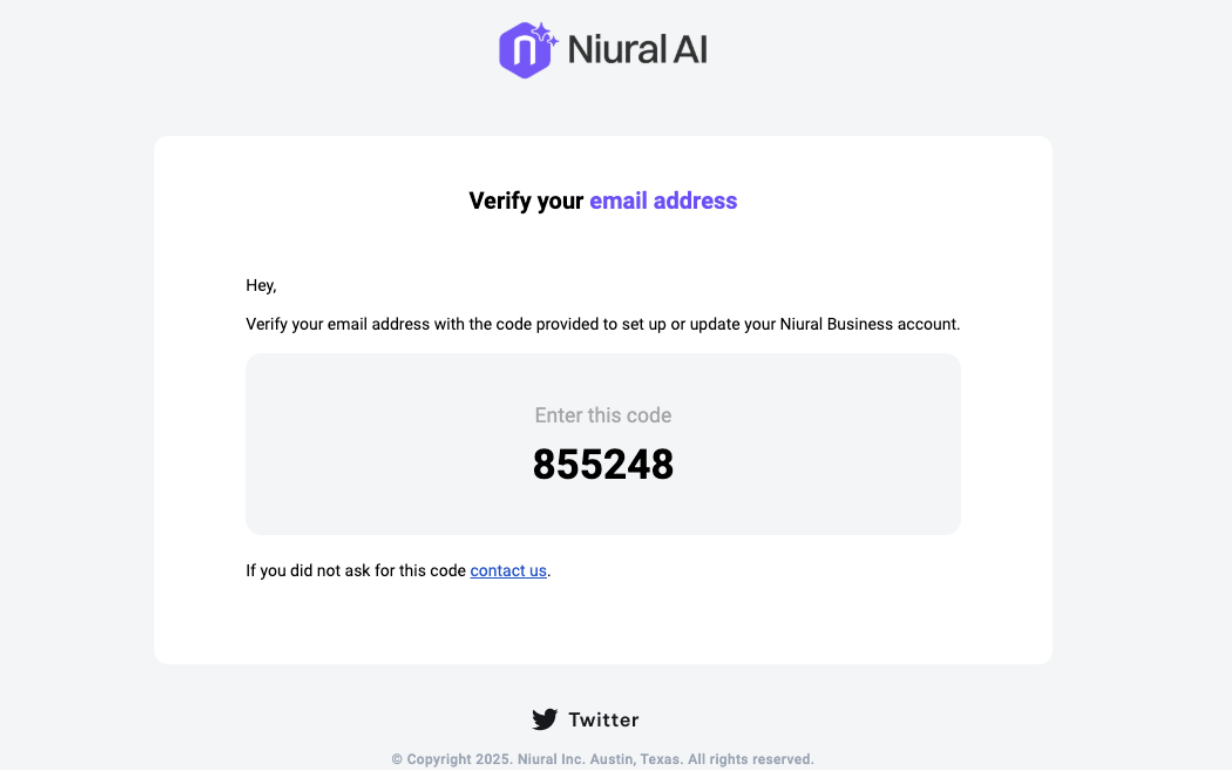
When you’re setting up a Niural account as an employer, you will receive a verification code to the email address you used to create the account. Please click on the link and proceed to creating your account on the platform.
Set up company details
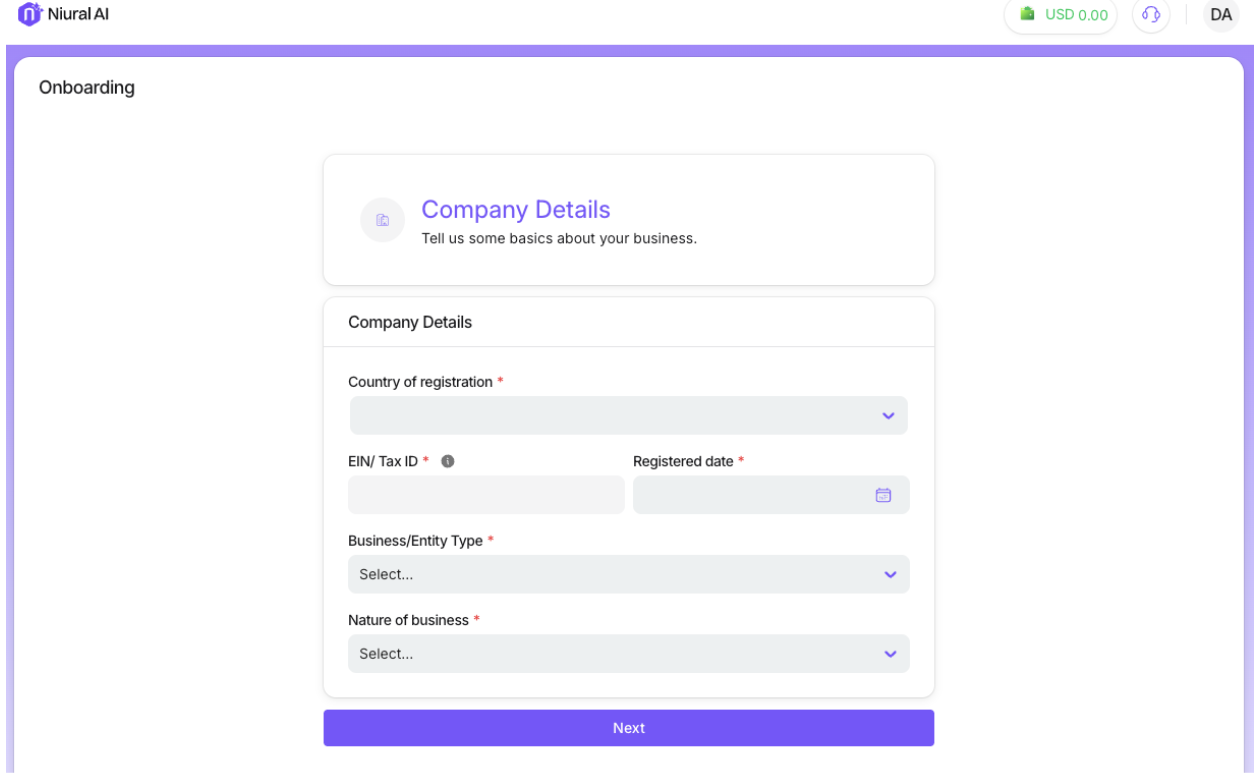
To generate tax documents, you will be required to provide your business’s federal EIN or tax ID, company type, and legal entity name.