How to Bulk Upload Employees
Last updated: March 15, 2026
You can add both employees and and contractors using our Bulk Upload feature
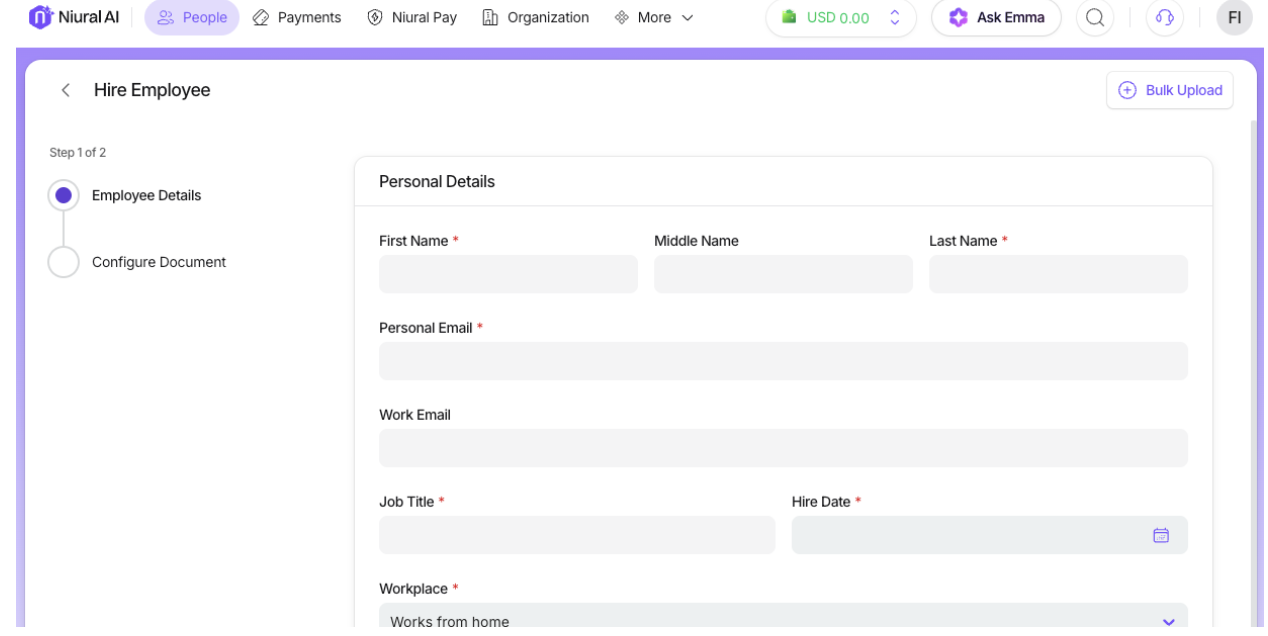
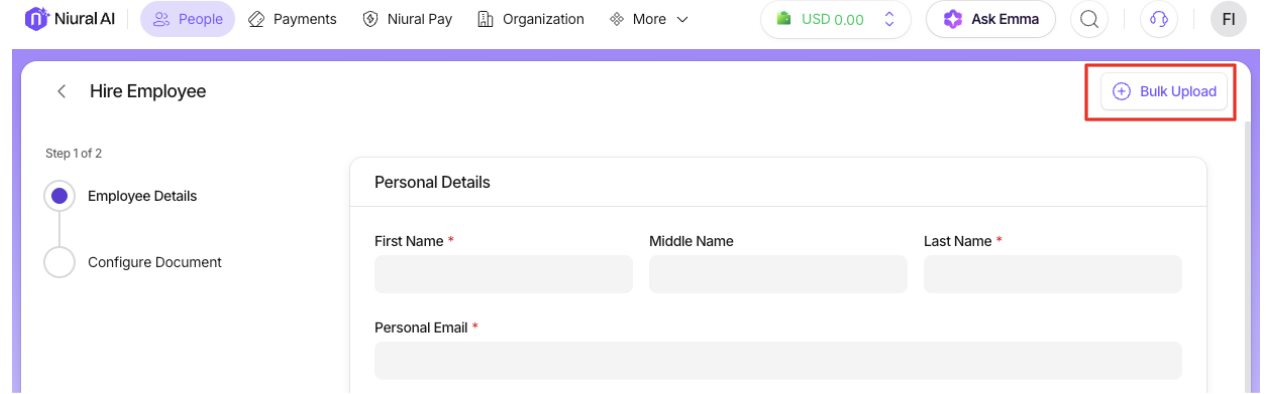
Click on the Bulk Upload button when you Hire Employees or contractors.
You will proceed to download the bulk upload file
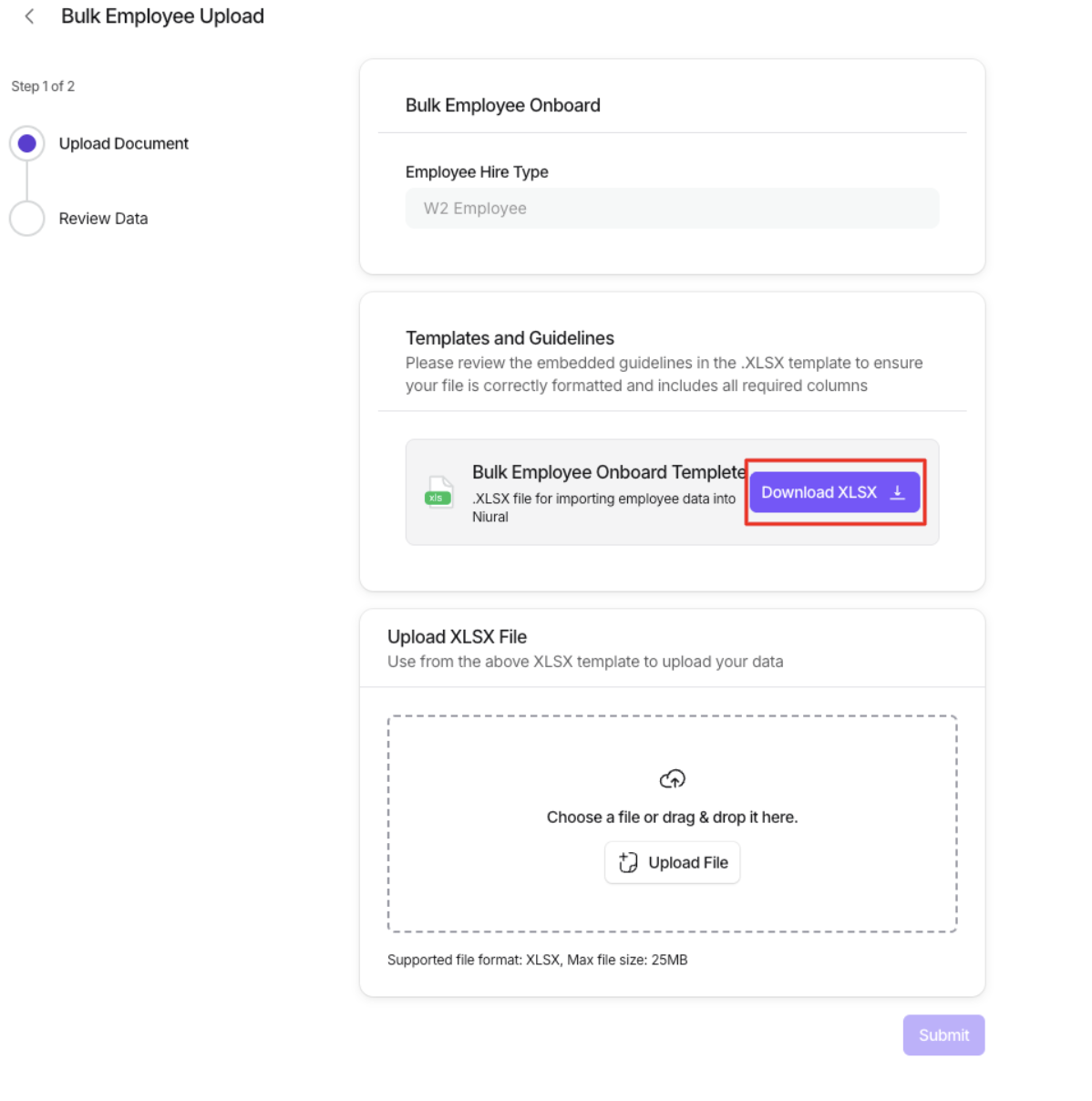
Fill in the required information for all employees/contractors in the downloaded file and continue to upload the file for bulk employee/contractor upload.
You are able to review the information and will be notified if there is incomplete or duplicate information.
Once you approve, invitations will be sent to employees and contractors to onboard the platform and sign agreements.