How to resolve 403 CloudFront errors when accessing the platform
Last updated: February 4, 2026
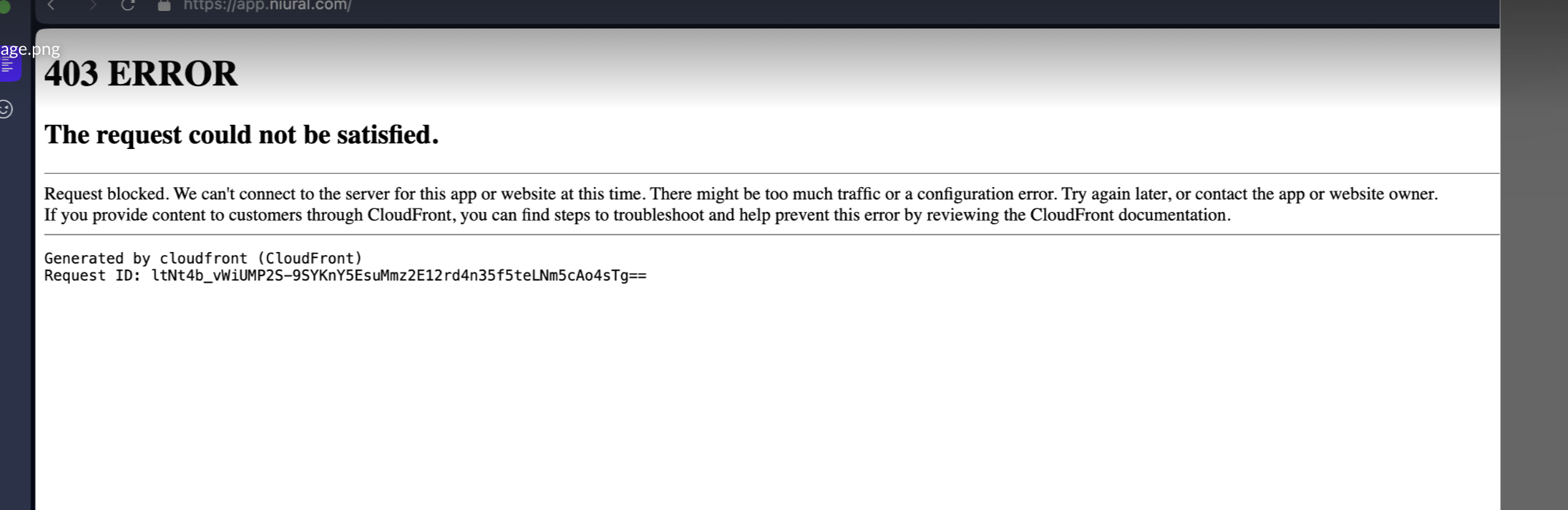
If you encounter a 403 error page stating "The request could not be satisfied" with a CloudFront message about being blocked, this is typically caused by VPN usage.
Solution
To resolve this issue:
Disable your VPN connection
Try accessing the platform again
The platform's security settings may block certain VPN IP addresses, which triggers the CloudFront 403 error. Once you disable the VPN and access the site directly through your regular internet connection, you should be able to log in and use the platform normally.
Still having issues?
If you continue to experience problems after disabling your VPN, please contact support at support@niural.com for further assistance with technical issues.