Managing allowances and expenses
Last updated: January 3, 2026
From the Homepage, click on People, then Expenses
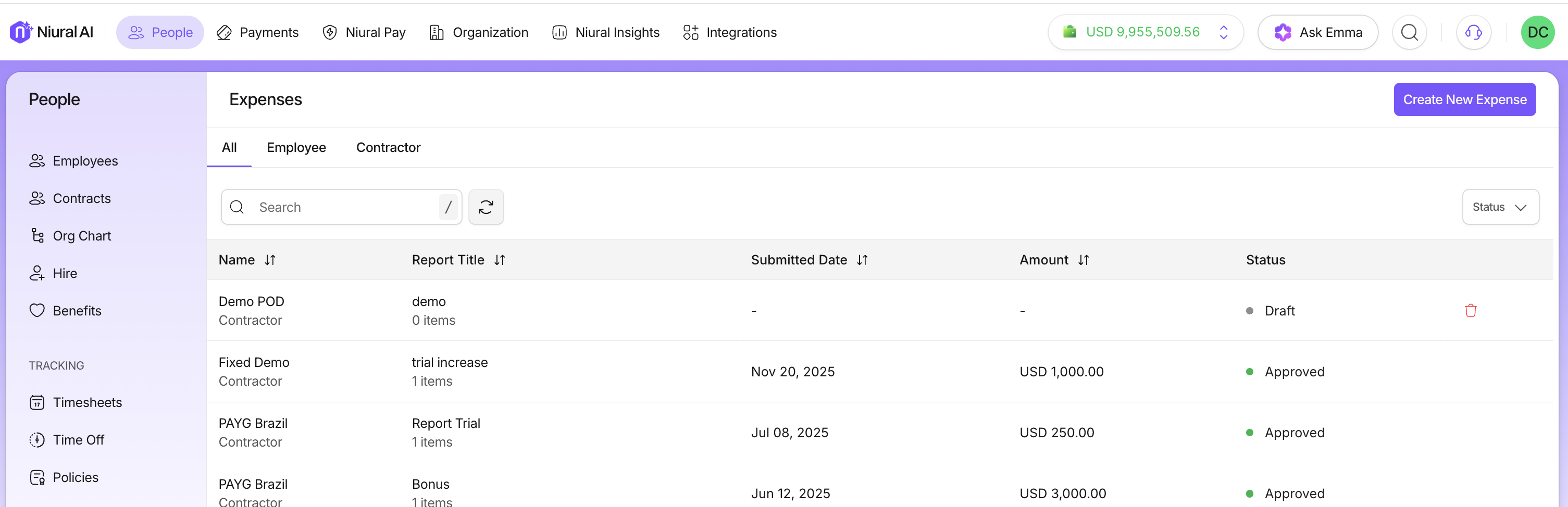
You can view all submitted expenses, and are able to filter based on submitted, approved and paid.
You can click on the individual requests to review additional details, and approve or reject.
You can also create an expense report and approve it directly from your Niural account.
Click on Create New Expense and give a title to your expense report.
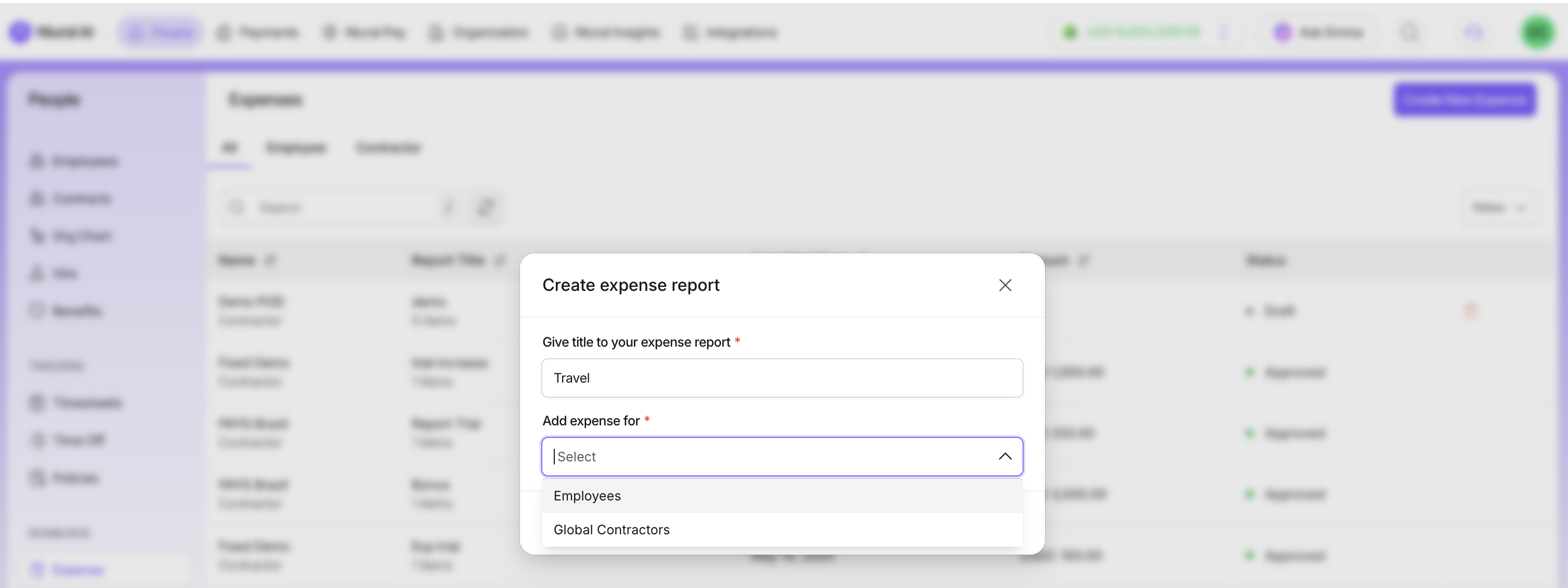
Select the individual to add the expense for
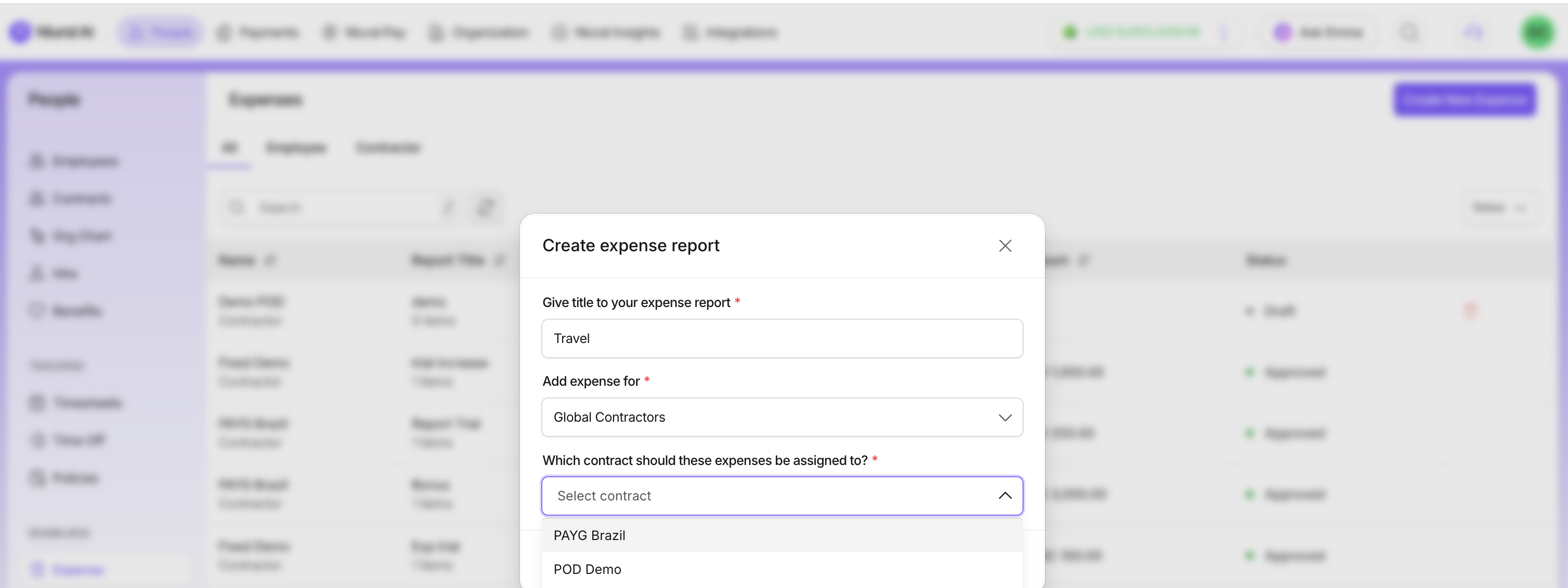
Start an expense log to record the expense
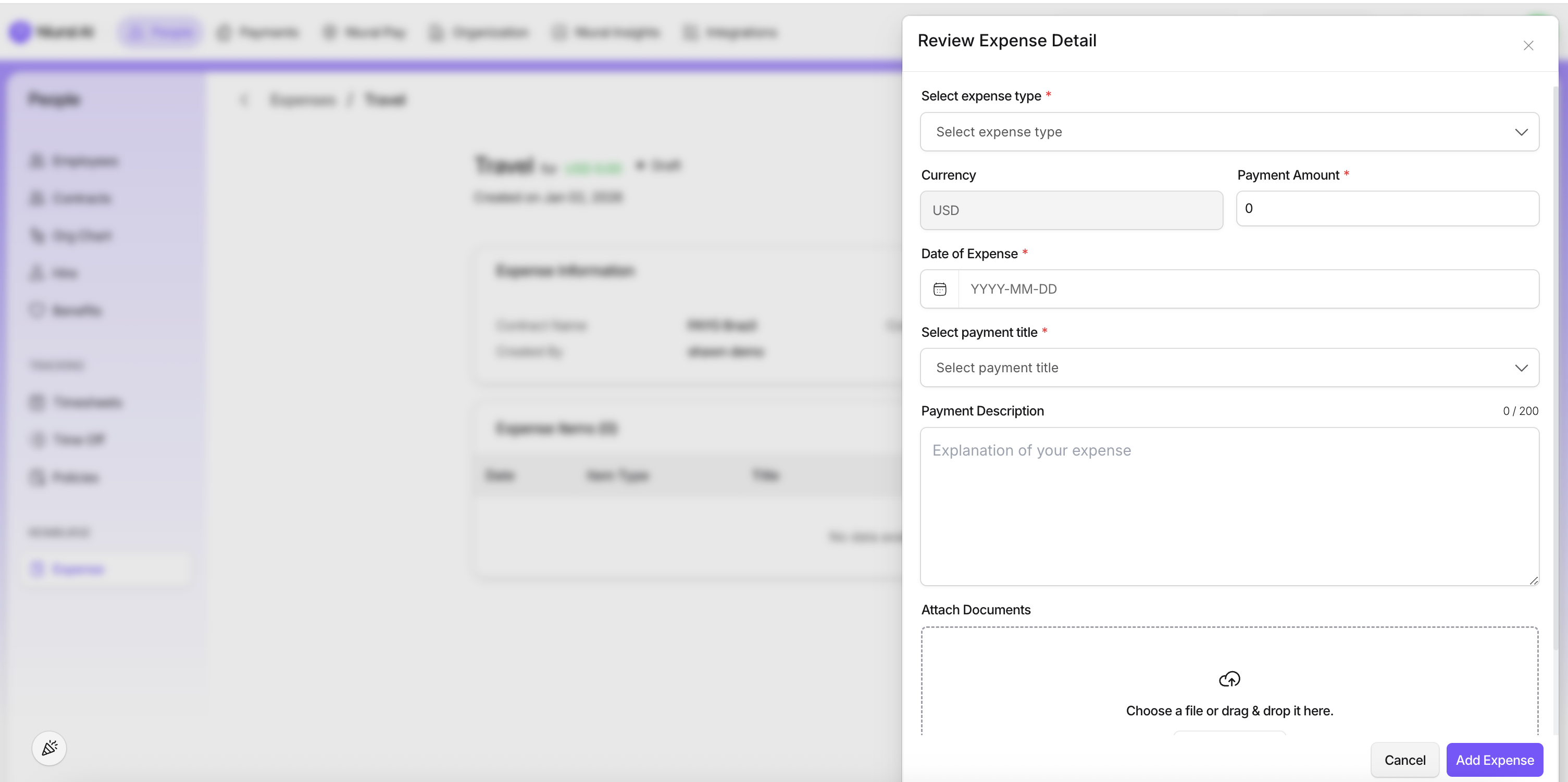
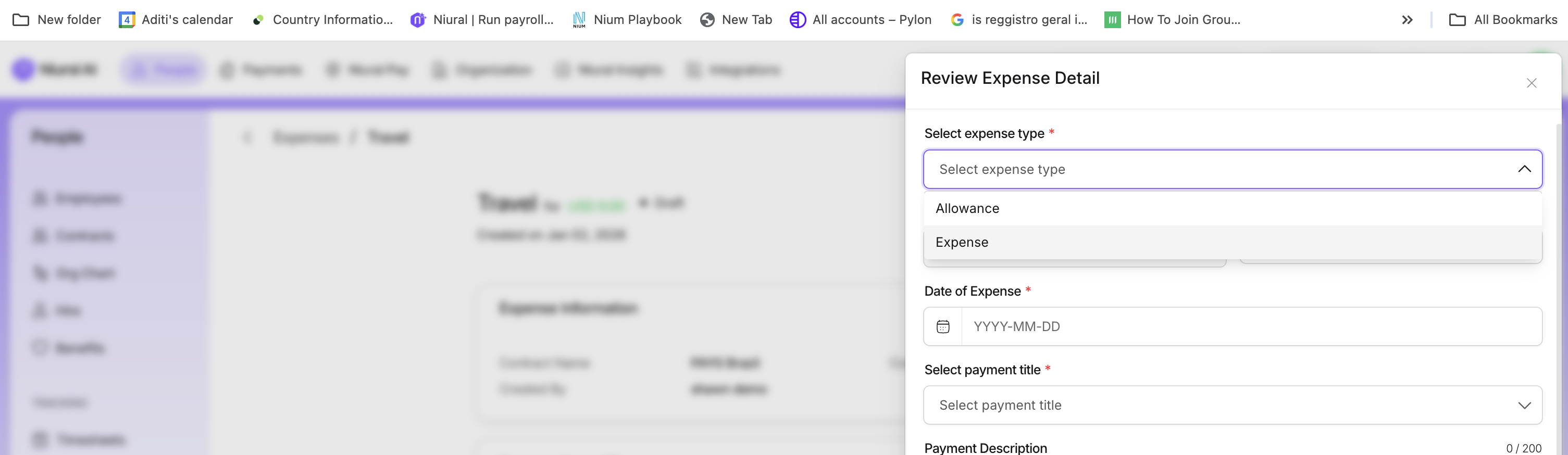
You can categorize this as an allowance or an expense
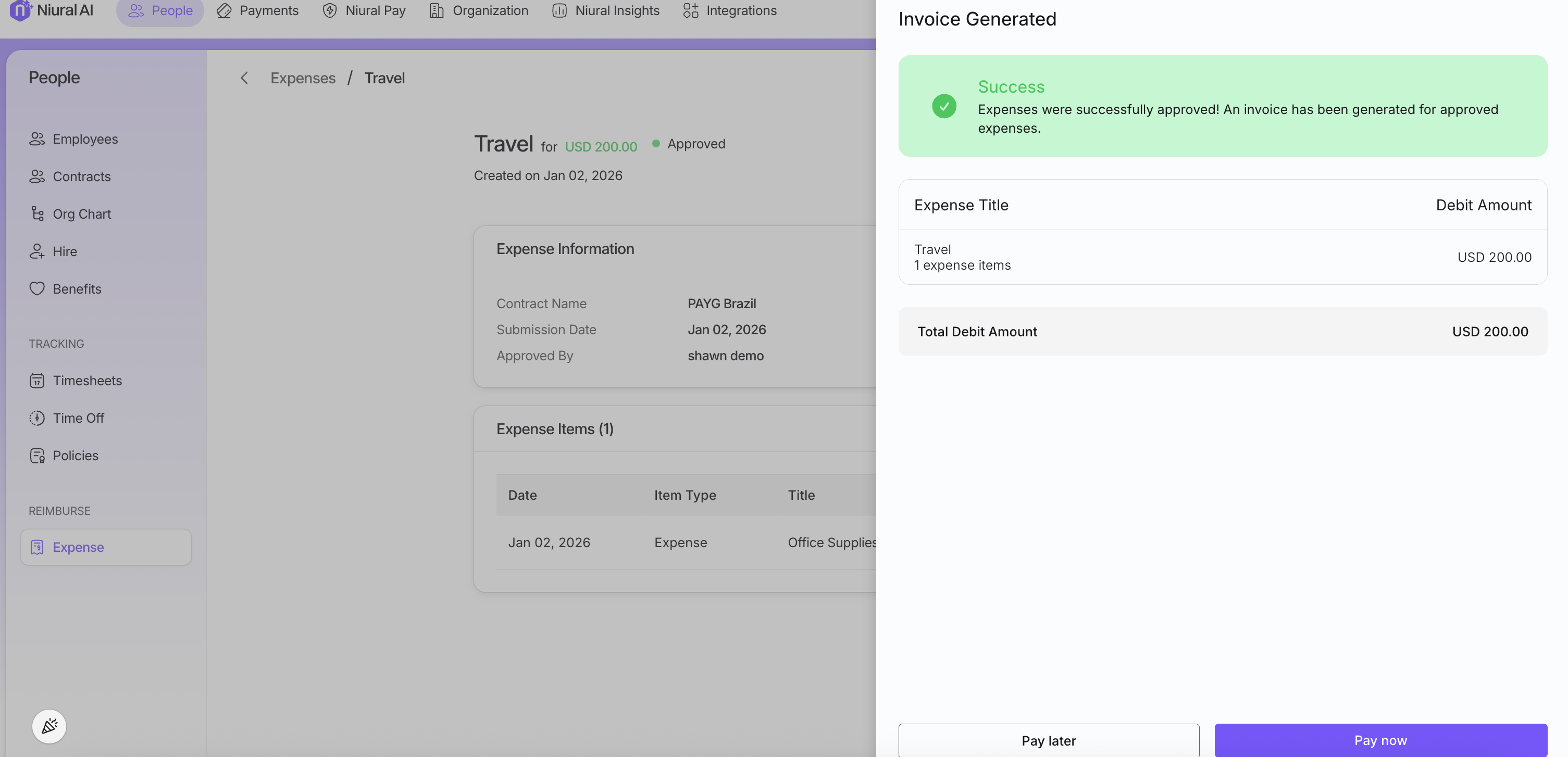
An invoice is generated which you can pay immediately or pay later