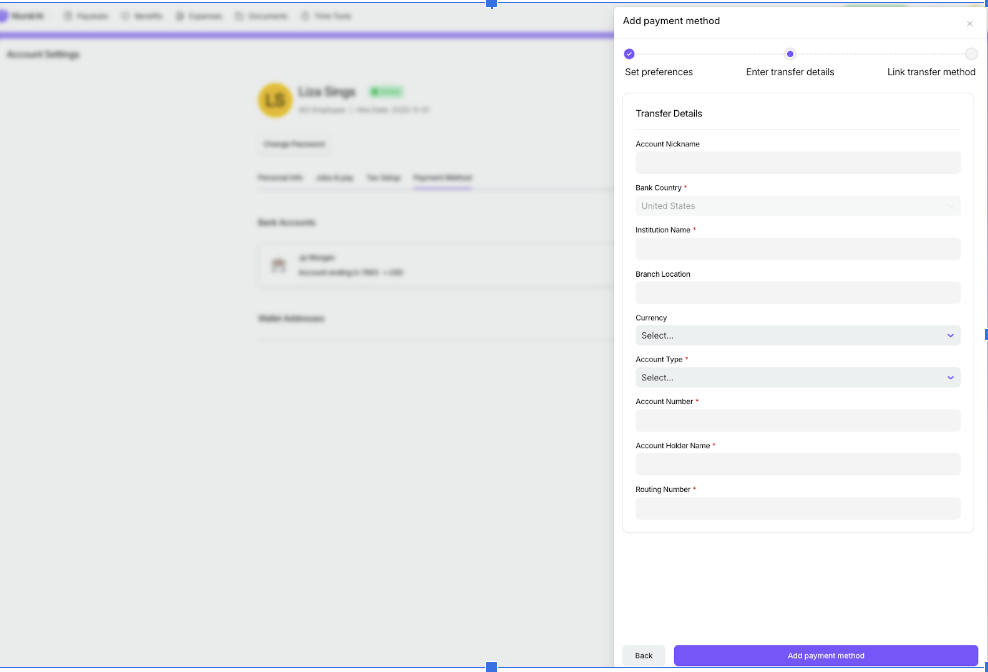
Managing Payment Methods
Last updated: March 15, 2026
How to delete a payment method
Navigate to your Account from the top-right corner,
Click on Payment method
Click on the saved payment method you'd like to delete
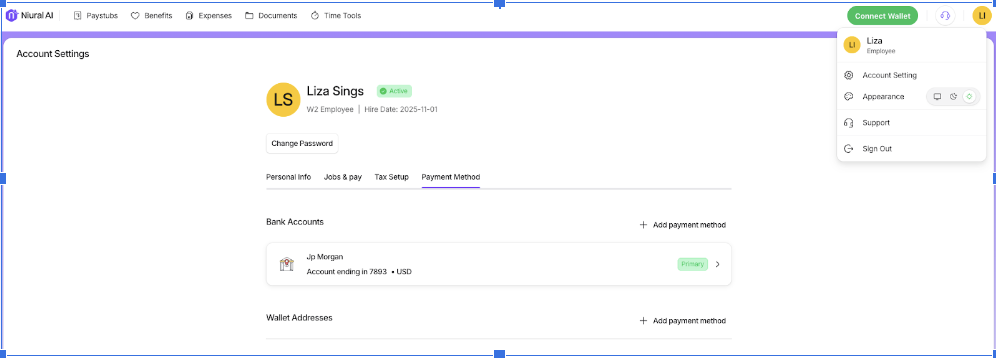
Note: you can only delete a non-primary payment method.
How to set a Primary Payment Method
Navigate to your Account from the top-right corner,
Click on Payment method.
Click on the saved payment method you'd like to set as primary.
Click on Set as primary