How to Onboard a New Employee
Last updated: March 15, 2026
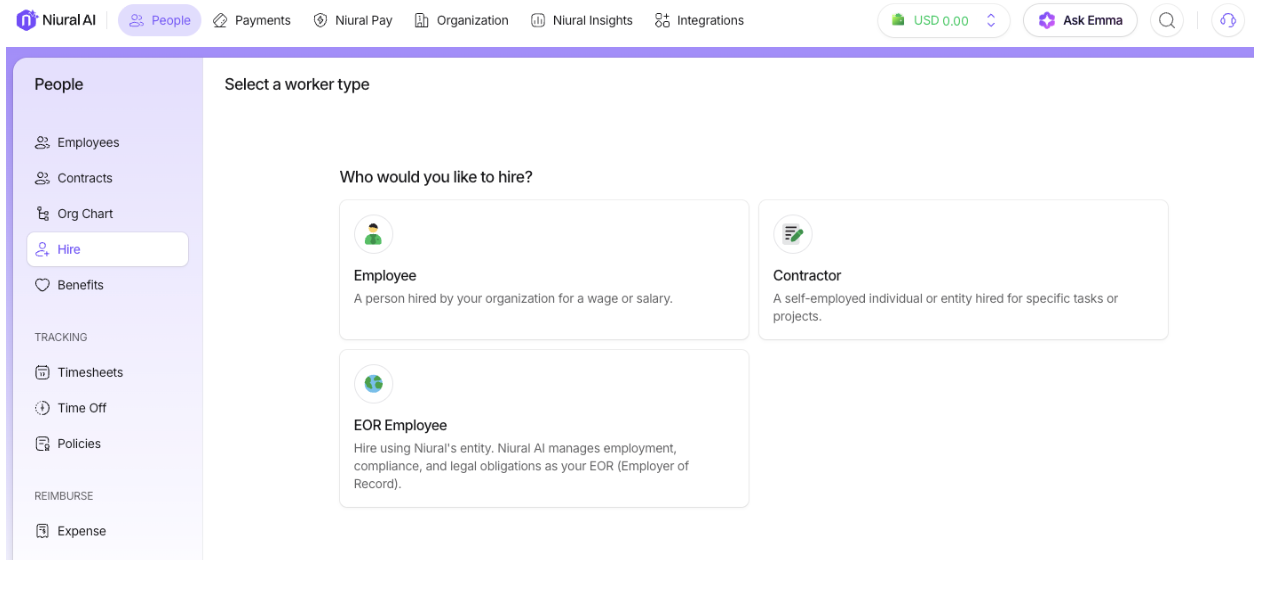
Choose Hire and Click Employee.
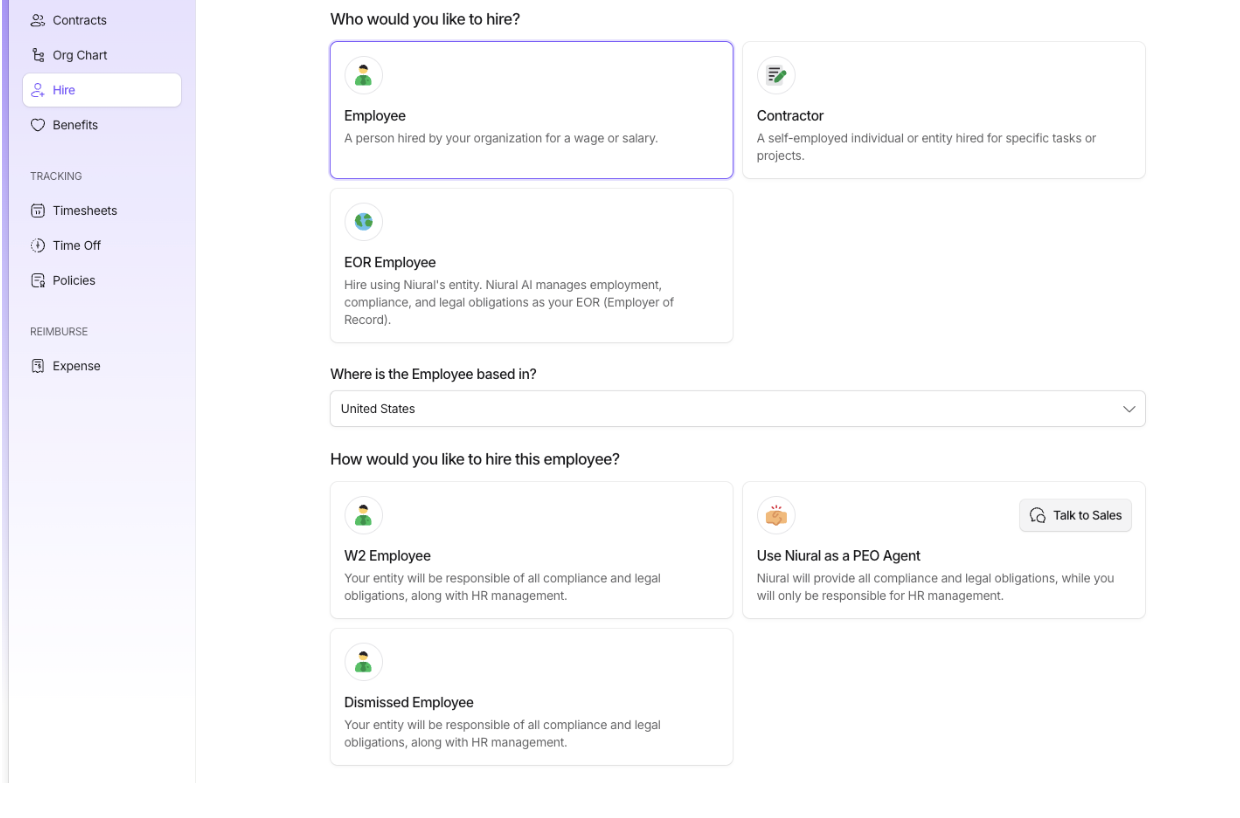
Select the country and choose W2 employee.
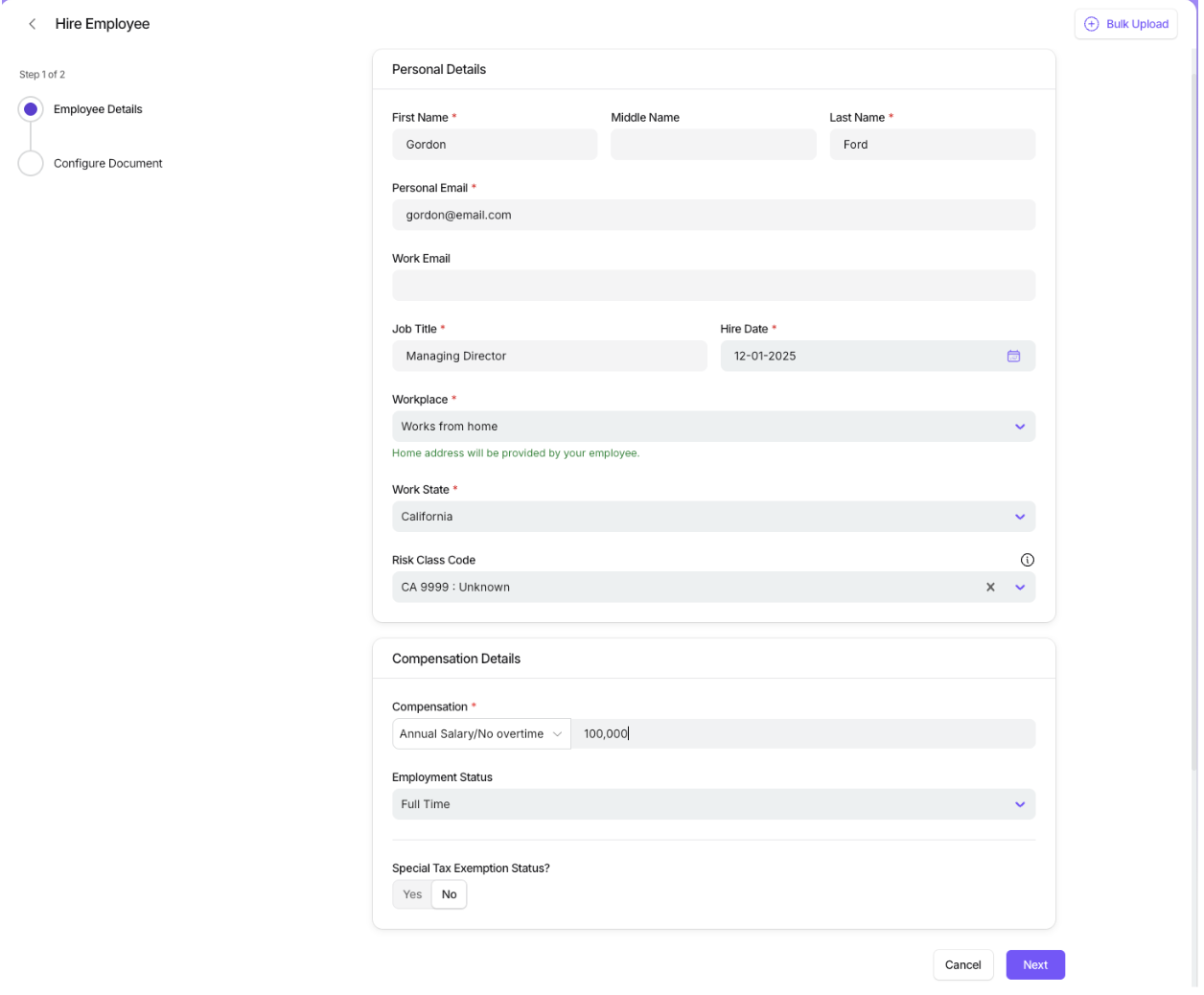
Provide personal details, job title, hire date and salary information.
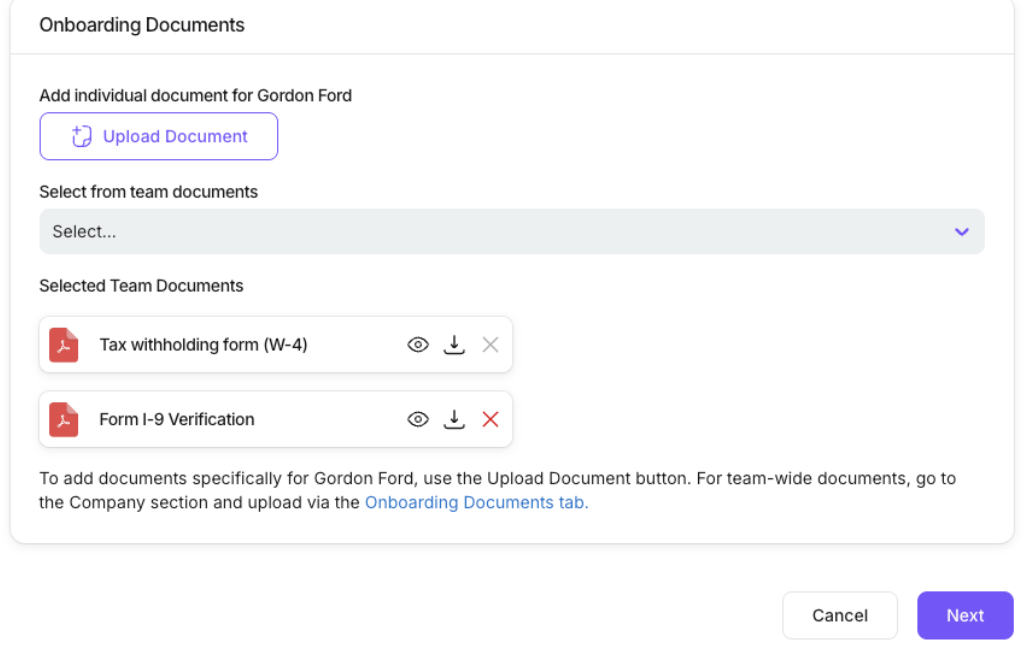
To add documents specifically for the employee, use the Upload Document button. For team-wide documents, go to the Company section and upload via the Onboarding Documents tab.
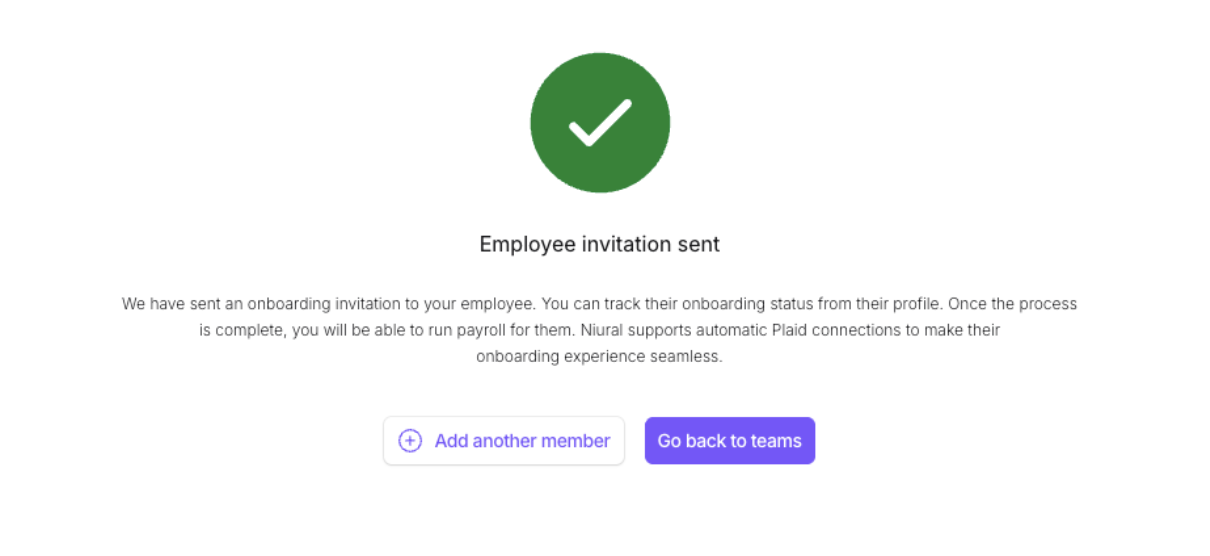
The employee will receive an invitation to sign up and provide documentation for onboarding.