How Can I Revert a Transaction on the Niural Platform?
Last updated: March 18, 2026
If you encounter an API error due to a cryptocurrency mismatch, you can revert the transaction and re-initiate the payment by following these steps:
Navigate to the Payments tab on the Niural platform.
Select the Transactions tab.
Click the eye icon .
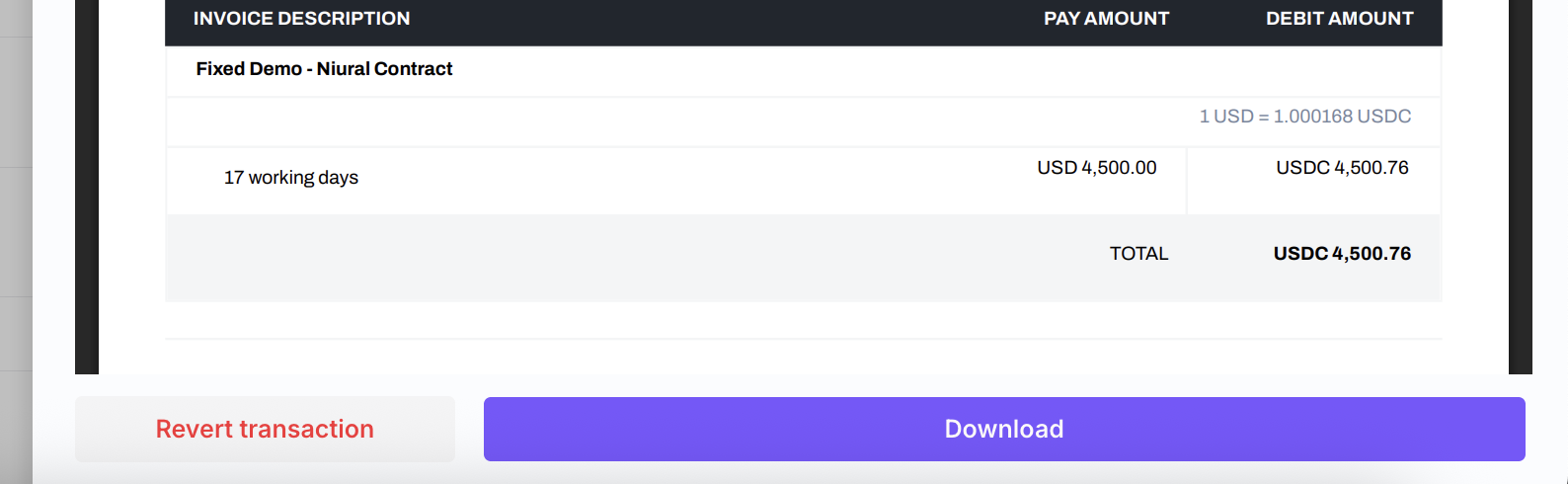
Scroll to the bottom to find the “Revert transaction” button.
Click the button to revert the transaction and proceed with re-initiating the payment using the correct currency.