Setting your payment methods
Last updated: May 20, 2026
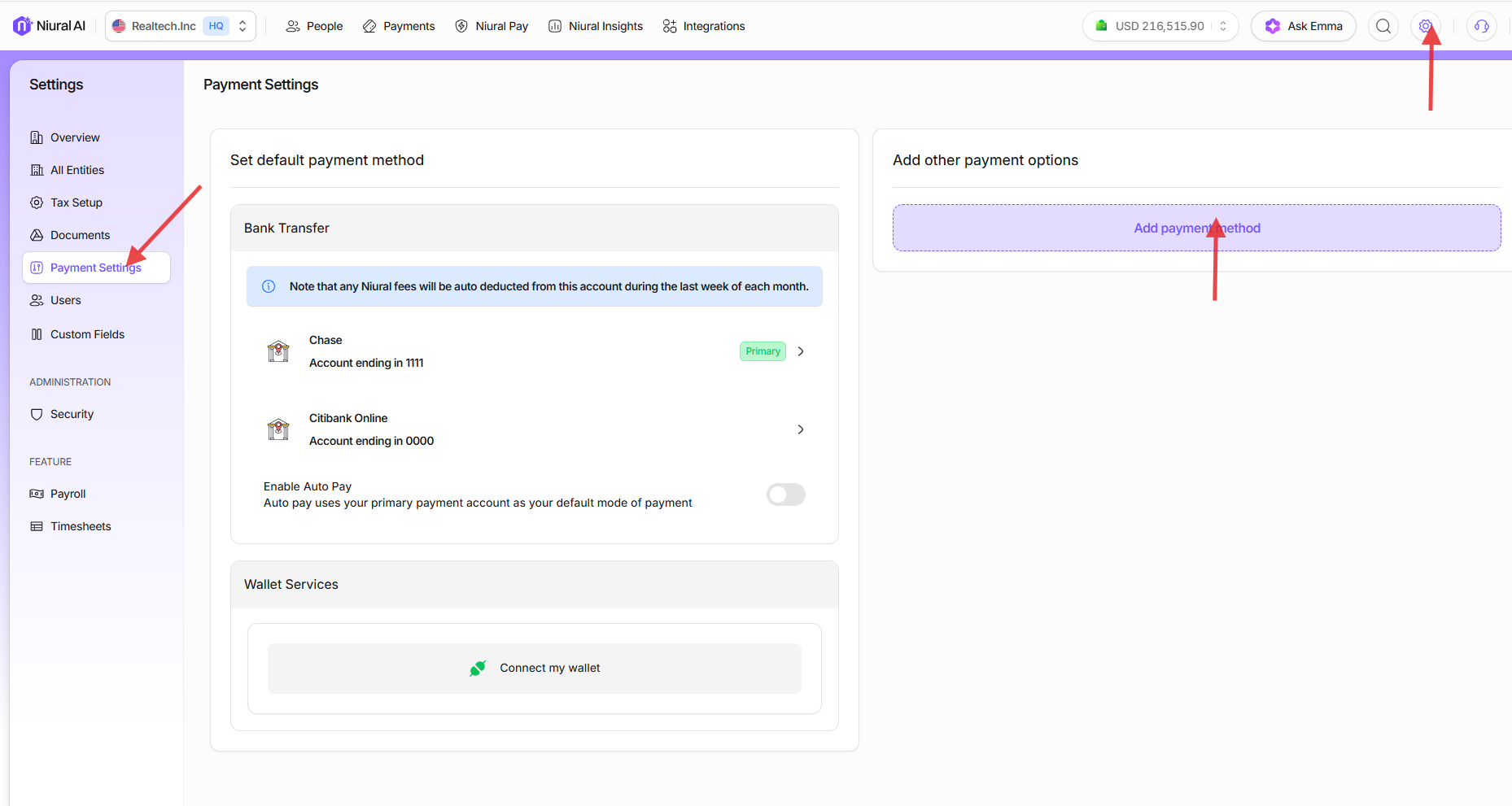
To set a payment method on file, click on the Settings Gear Icon and then Payment Settings.
Note that in order to connect to a payment method on Niural, your business needs to be verified.
Setting primary methods and removing payment methods
You can set your primary method if you have multiple bank accounts connected to Niural. To do this, navigate to the "Payment method" tab under Settings and click on the account detail you wish to set as the primary method.
To remove an account, click on Remove account.