How to create a Pay on Demand Contractor
Last updated: May 28, 2026
Pay on Demand lets you generate flexible contracts without specifying the currency type, payment amount, cycle, or due dates upfront. This is useful for contractors who are not on fixed or regular schedules, for example: Seasonal or returning contractors.
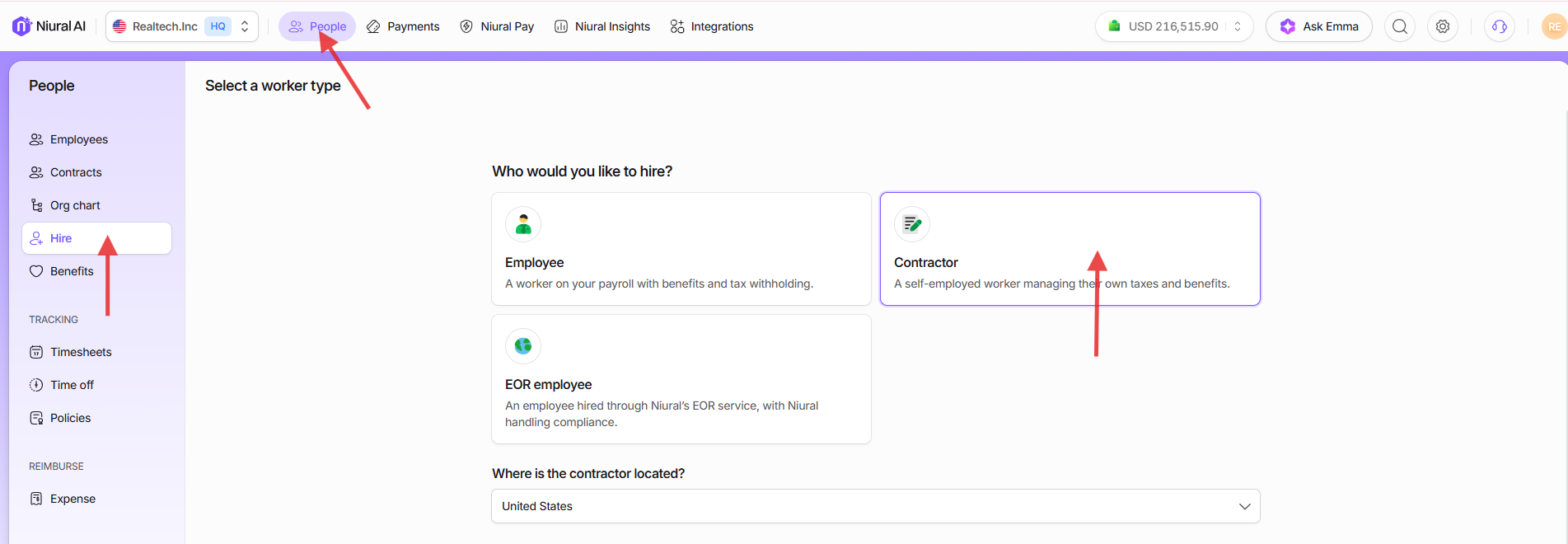
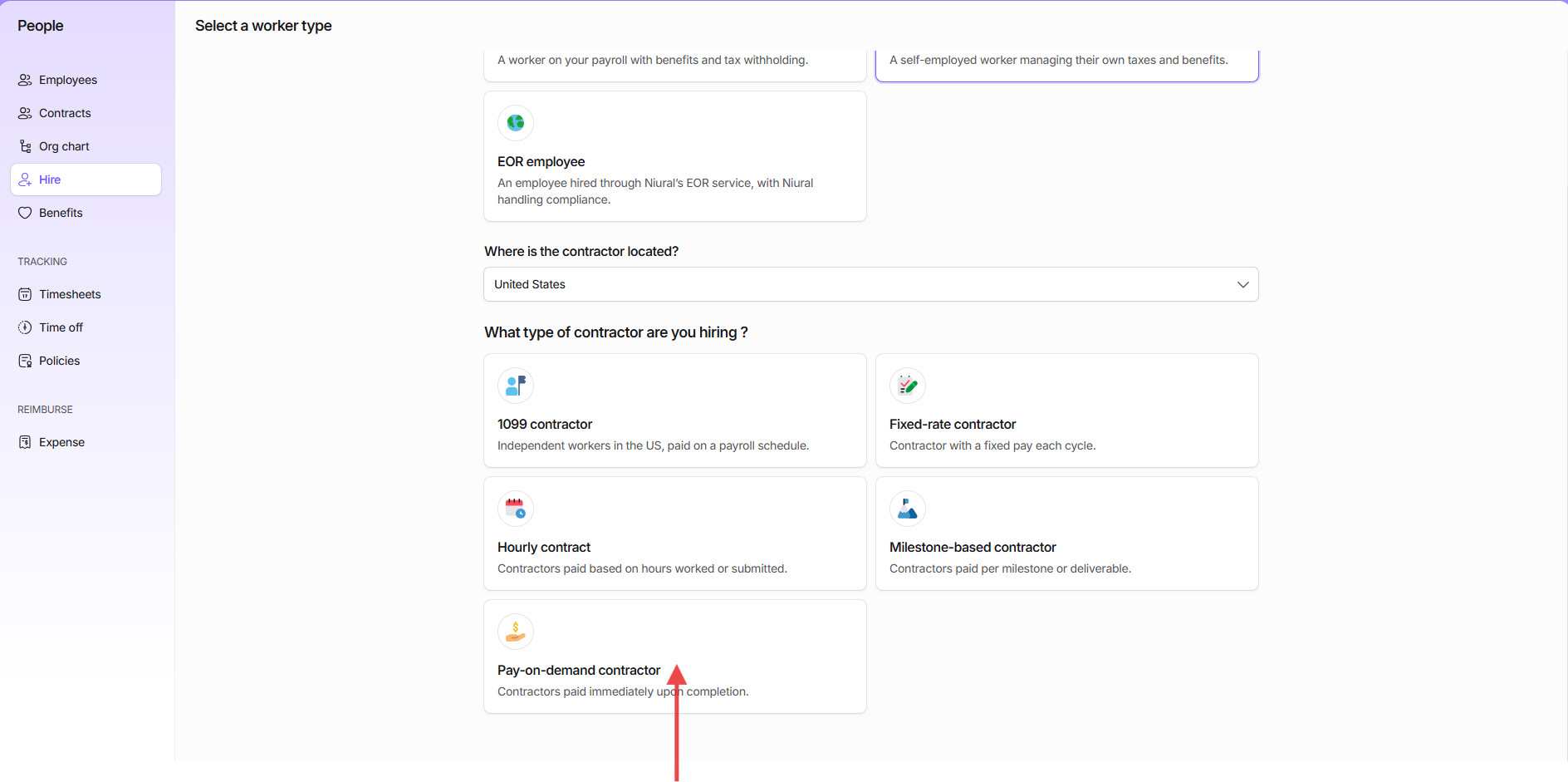
Go to Hire>Contractor> Pay On Demand Contract
Provide the required information to create this contract.
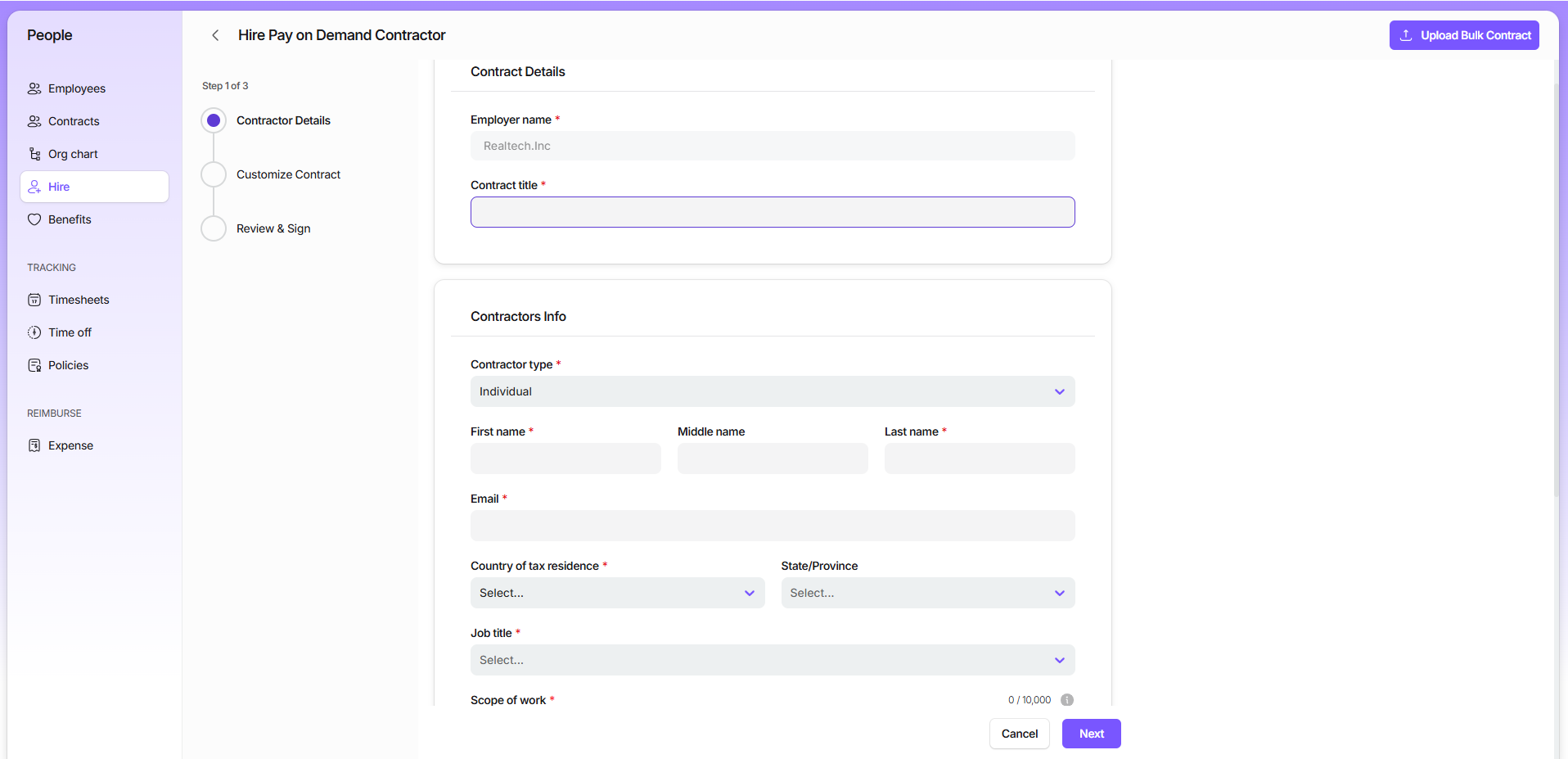
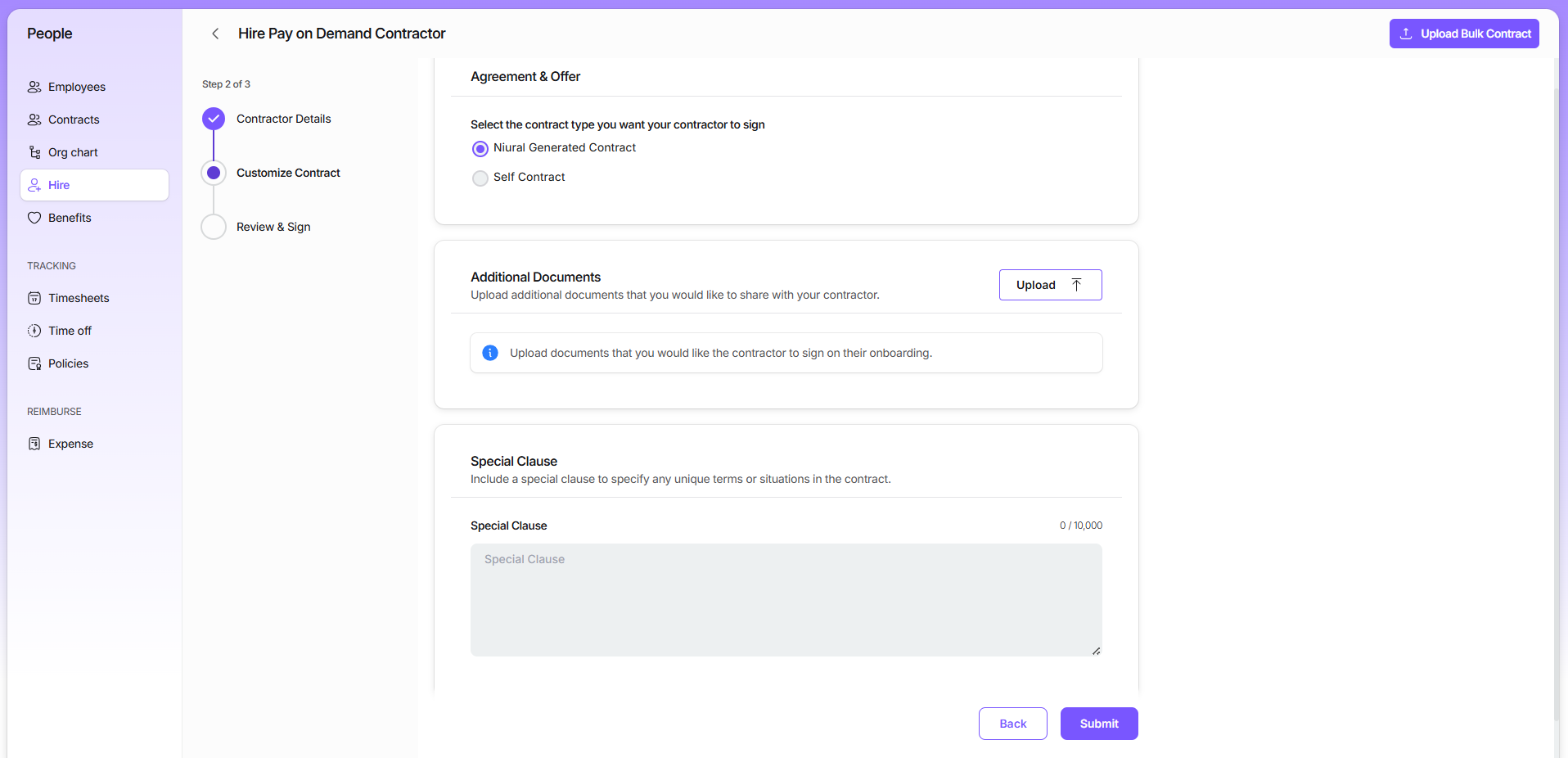
You can choose Niural Generated Contract or a Self contract. You can upload additional documents for the contractor’s review and also add a special clause in the contract.
Once you sign the contract, the contractor receives the sign up link to onboard to the Niural Platform and review and sign the contract.
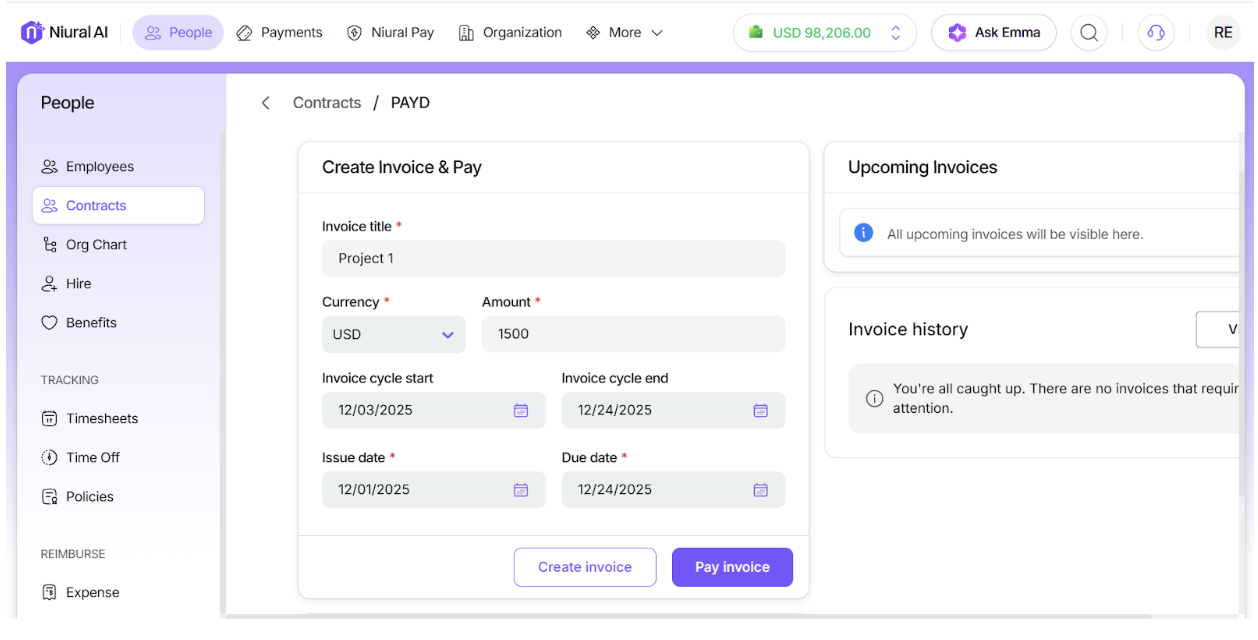
After the contractor signs, the contract is activated and you can generate invoices as needed and make payments when required.