How to update the Reporting Manager for a contractor
Last updated: February 17, 2026
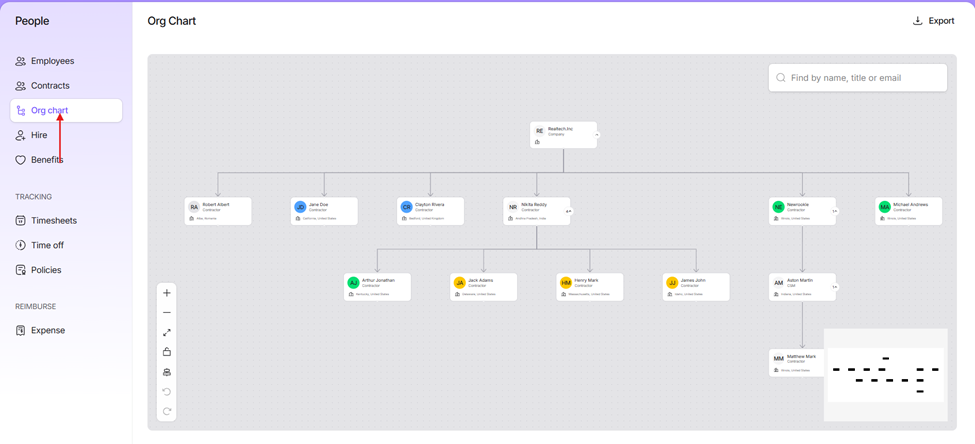
Navigate to the Org Chart section on the platform
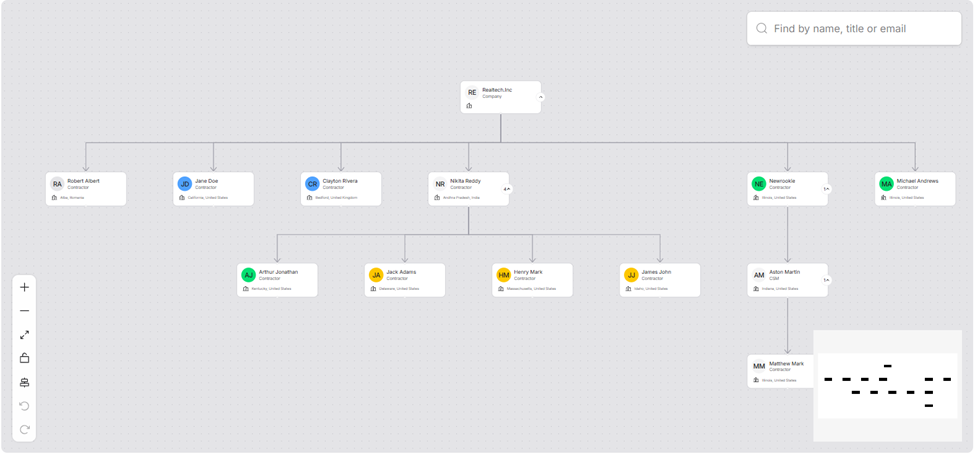
2. Select the contractor whose manager needs to be updated
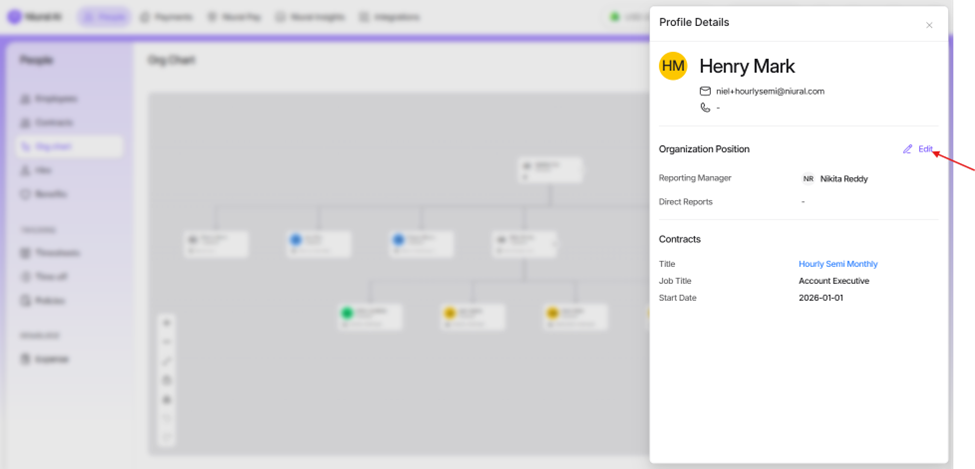
3. Click Edit
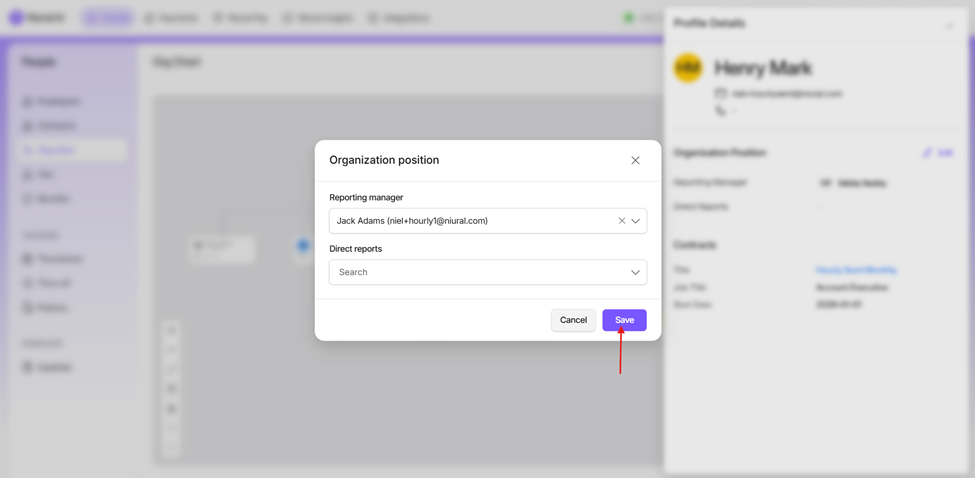
4. Select their reporting manager
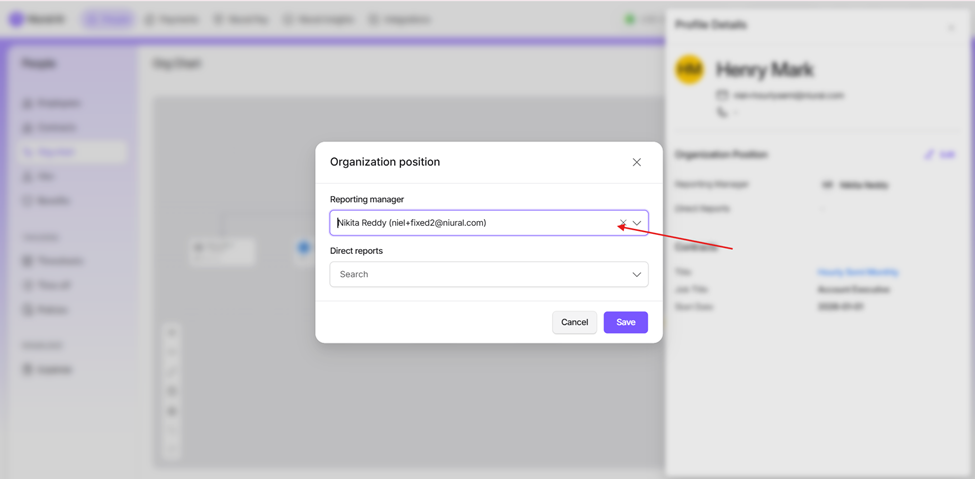
5. Click Save to apply the changes