Creating an account on Niural as a Contractor
Last updated: May 19, 2026
To sign up to Niural as an independent contractor, please ensure that you have received an invitation to sign a contract from your employer. This invitation will contain a unique link that you'll need for the sign-up process.
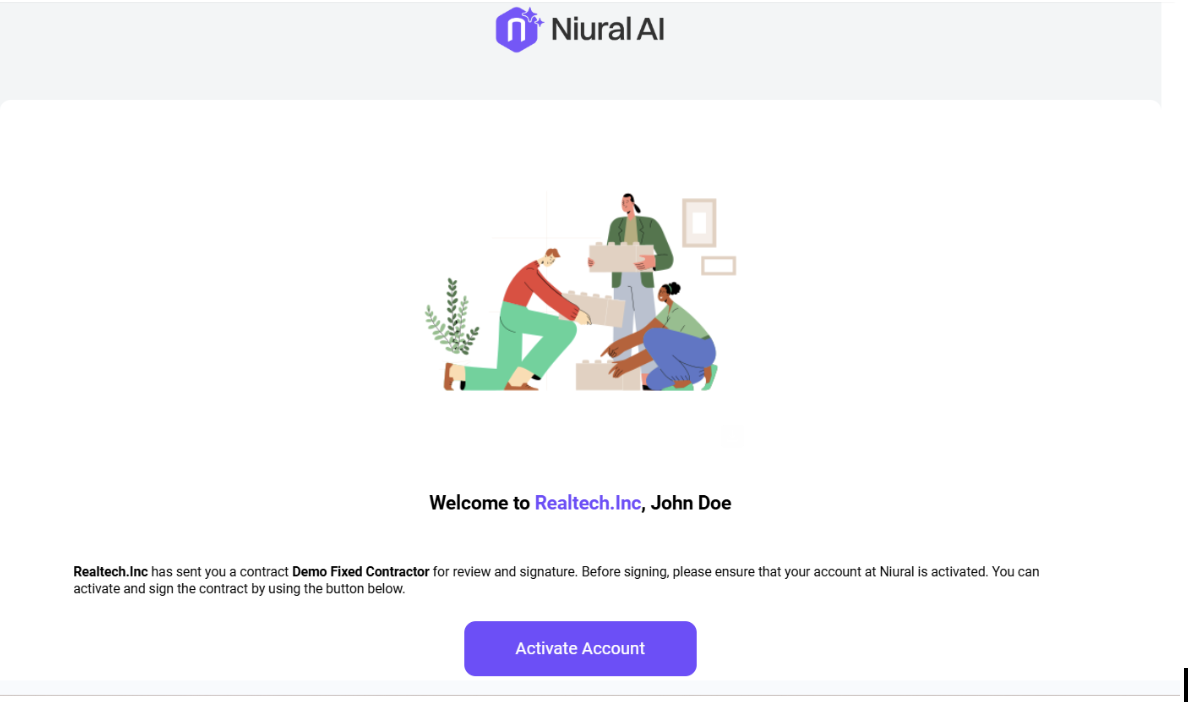
You will be required to set up a password and confirm. Once done, you will be greeted with the on-boarding page.
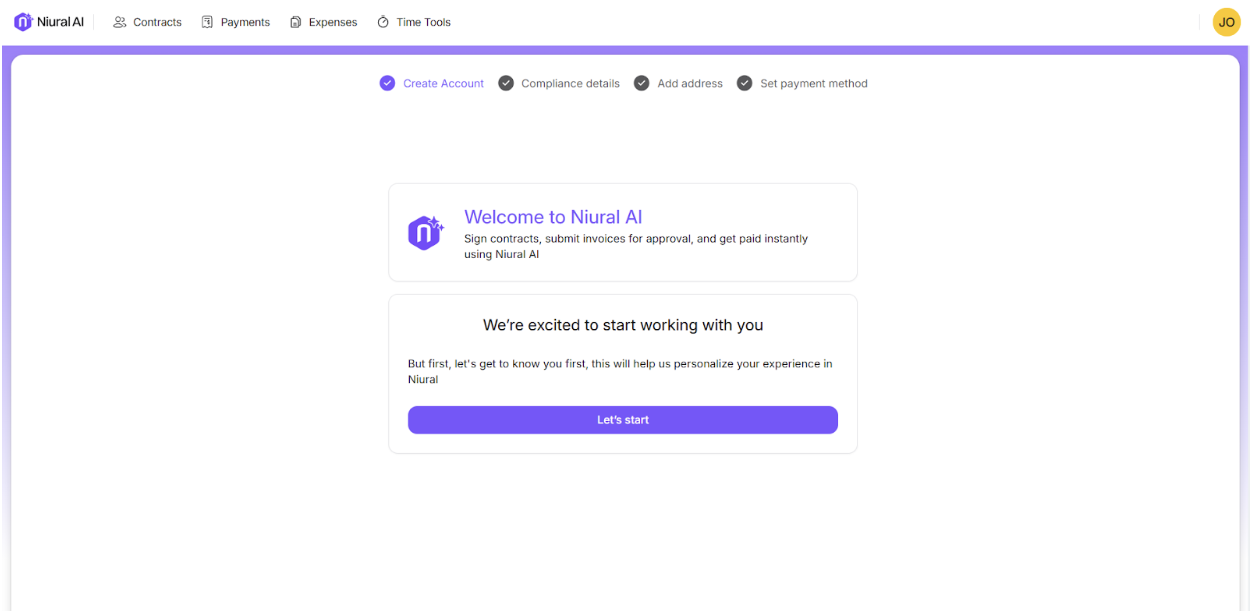
Personal Details:
To maintain the security and integrity of our platform, we require contractors to verify their identity. This may involve providing additional information, uploading identification documents, or completing a brief verification process. Rest assured that your information will be kept secure and confidential.
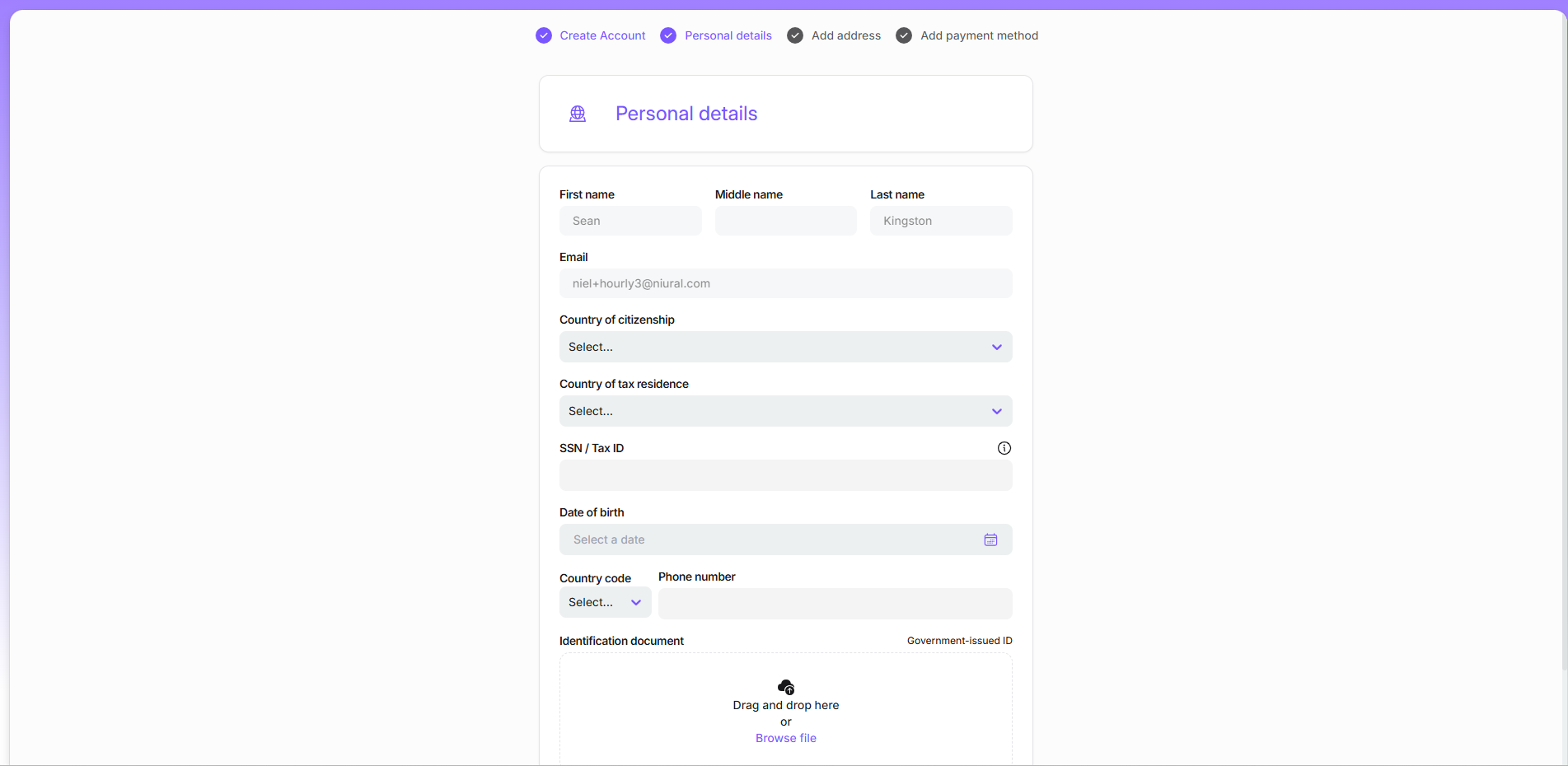
Ensure that the information provided is accurate and up-to-date.
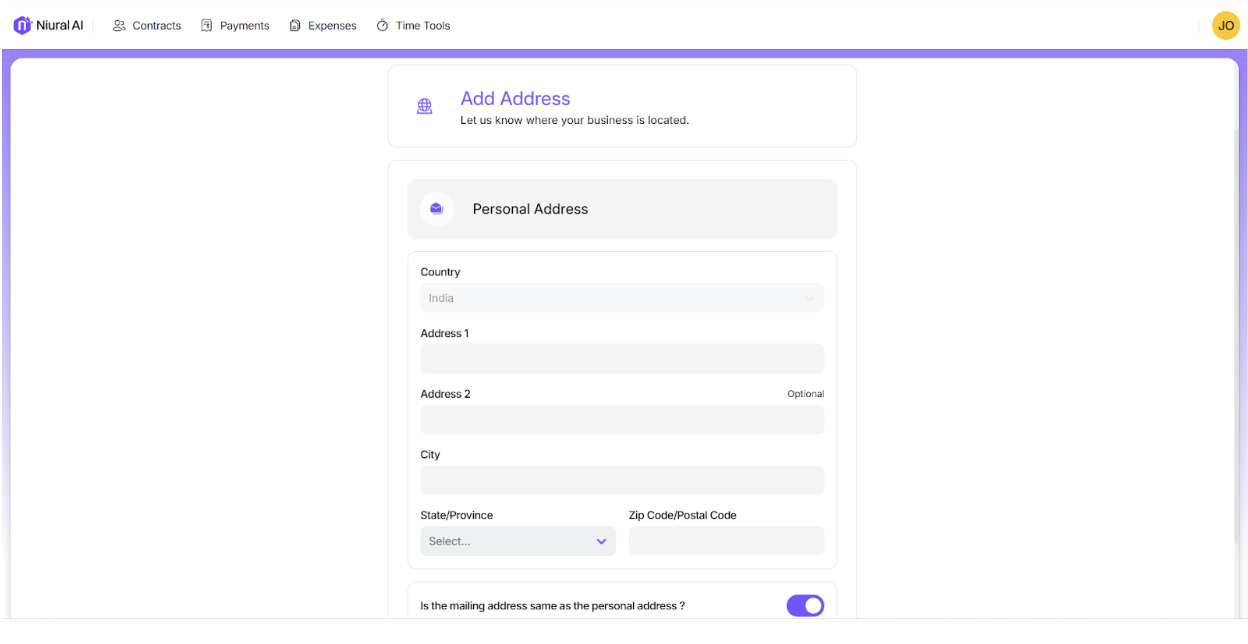
Add Personal Information:
Fill in your personal and mailing address.
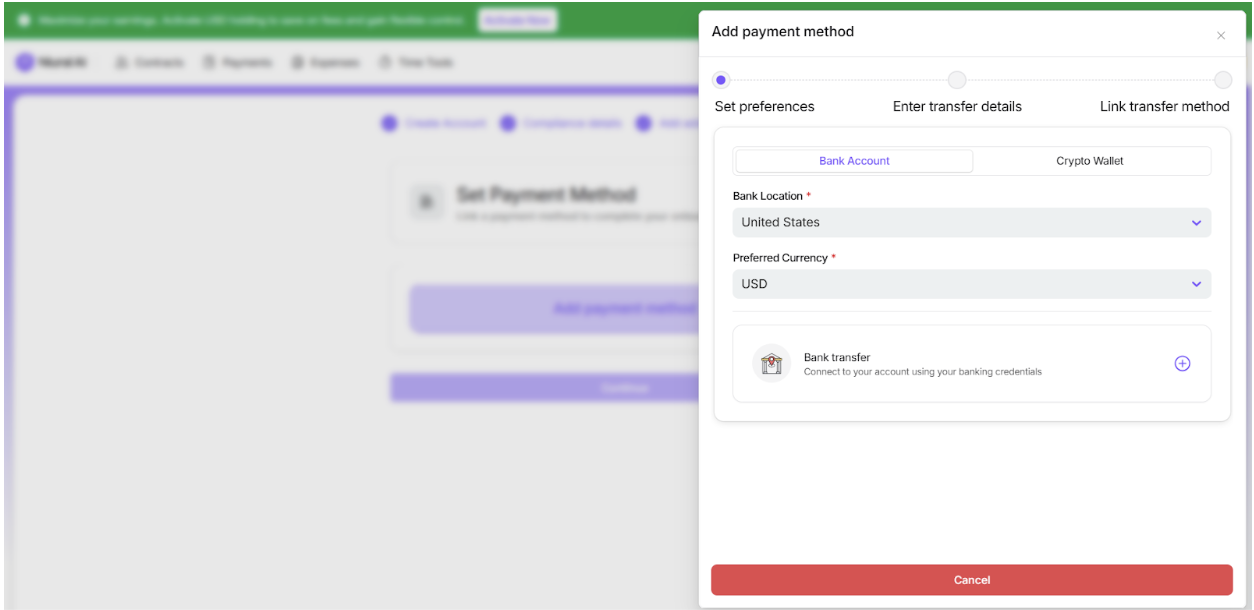
Add Payment Method:
Set your preferred payment method and click on Submit.
On your dashboard, you will be able to see the contract that is pending your signature.
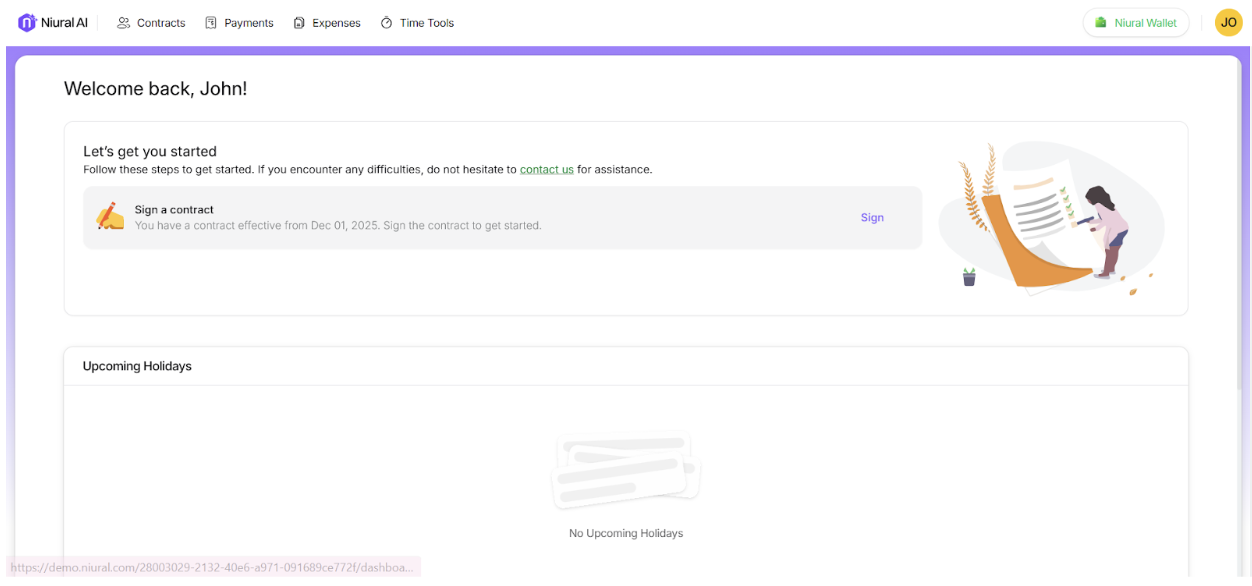
Click on Sign.
Alternatively, you can navigate to Contracts under Manage and sign the contract.
Before finalizing the contract signing, Niural will ask you to upload the appropriate forms, which could be W8BEN, W8BEN-E, or W9, based on your location.