How do I set benefits on Niural?
Last updated: March 15, 2026
Enroll employees to Benefits
To set benefits on Niural and enroll your employees:
Click on "Benefits" under People
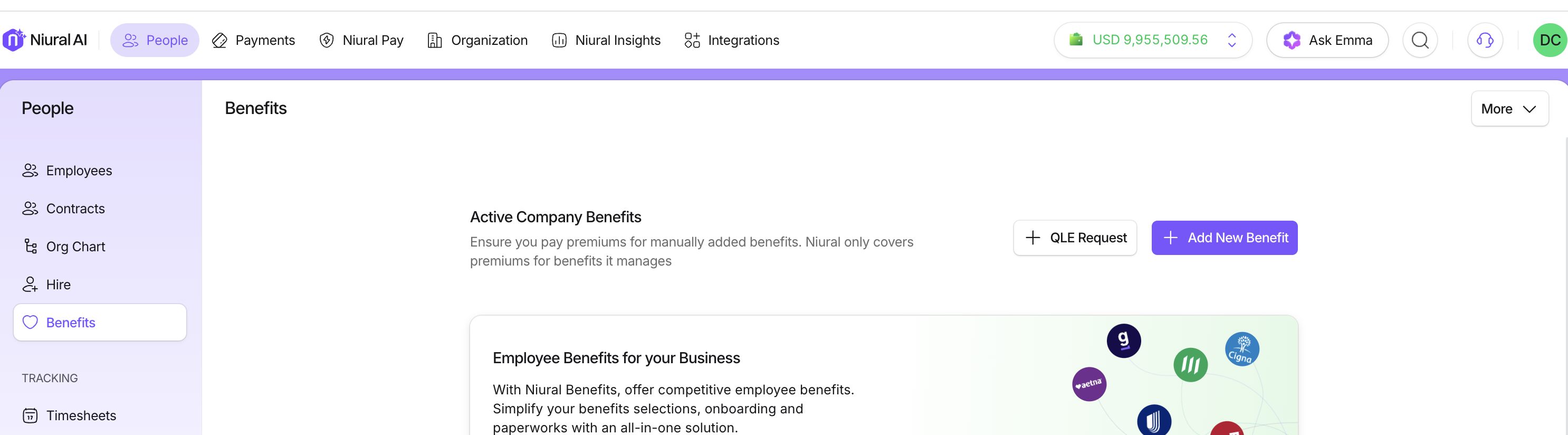
Select "Add New Benefit."
Choose the benefit category and name from the options provided, including
Financial
401(K)
Roth 401(K)
403(B)
Roth 403(B)
Simple IRA
Health and Life
Medical
Dental
Vision
Health FSA
Dependent Care FSA
Health Savings Account
Custom
Upload your benefits data in a CSV file format with plan name, effective date, employee email, employee name, number of dependents, total premium, company contribution, and employee deduction.
You can also download a sample file from Niural to get started with adding benefits.
Fill in the plan details and begin adding employees to particular plans
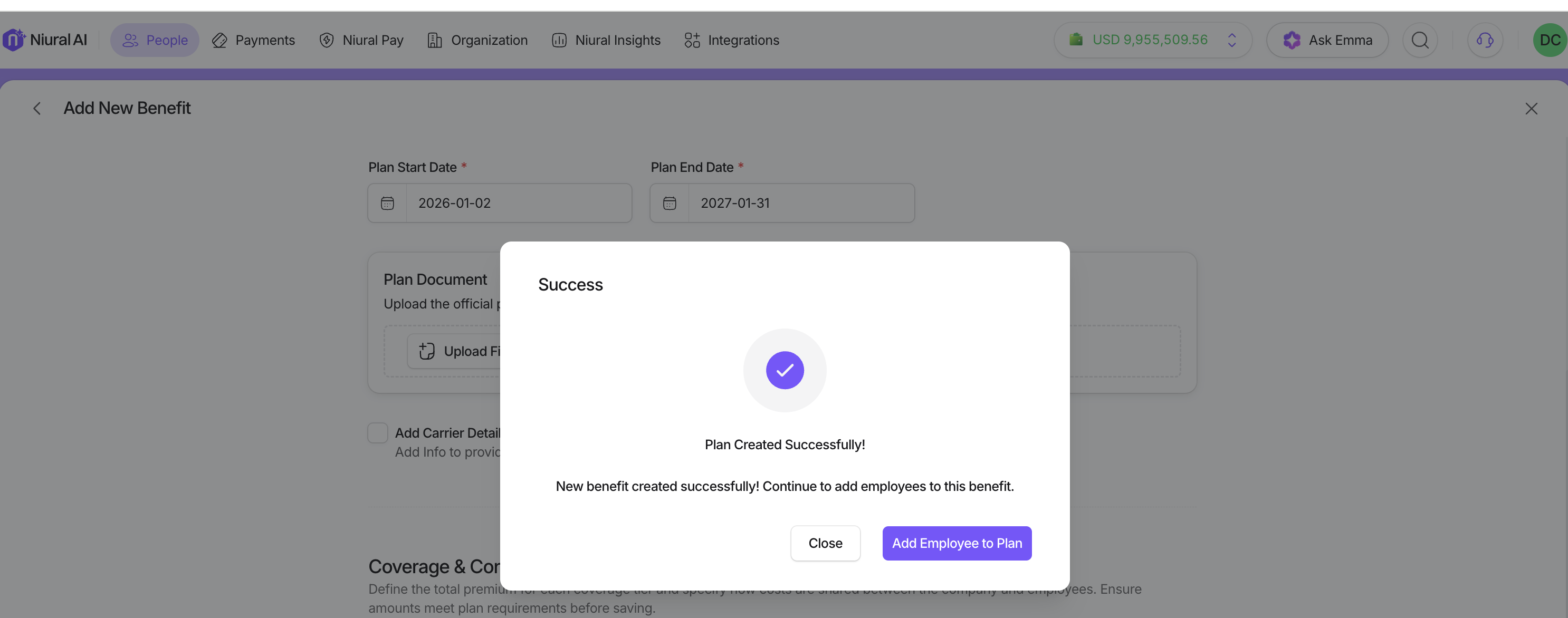
Click on "Submit."
Note: Ensure your employees have already signed up to Niural.