How can I log my hours as an hourly contractor?
Last updated: March 15, 2026
From Niural homepage, click on Time Tools >> Timesheet. Click on the purple +Add New Entry to update your hours.
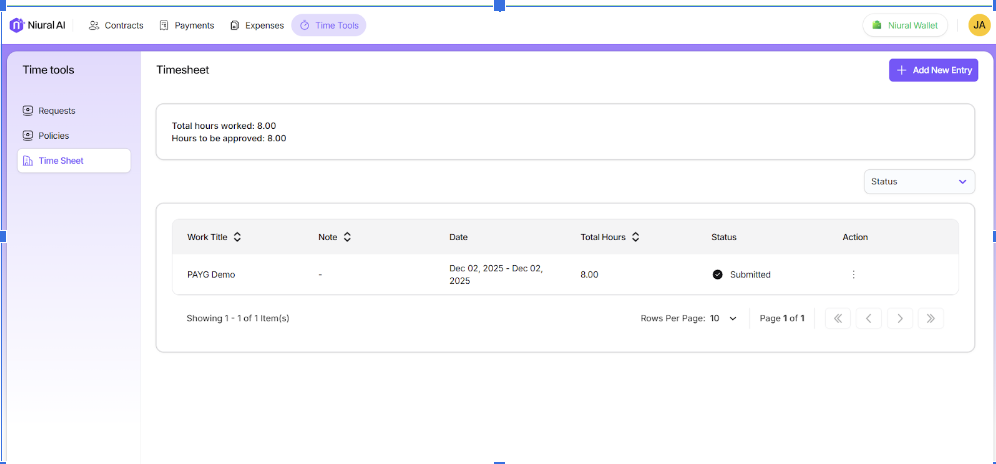
To add a new entry, click on ”Add new entry”.
Select the contract you want to submit the timesheet to.
Select the dates you want to log hours for.
Enter the total hours worked.
Enter the work title and notes.
Add relevant attachments to the timesheet.