How to Withdraw Funds from Your Niural Wallet
Last updated: December 16, 2025
Withdrawing your earnings from Niural is quick and flexible. Follow these steps to transfer funds securely to your preferred account.
Step 1: Start Your Withdrawal
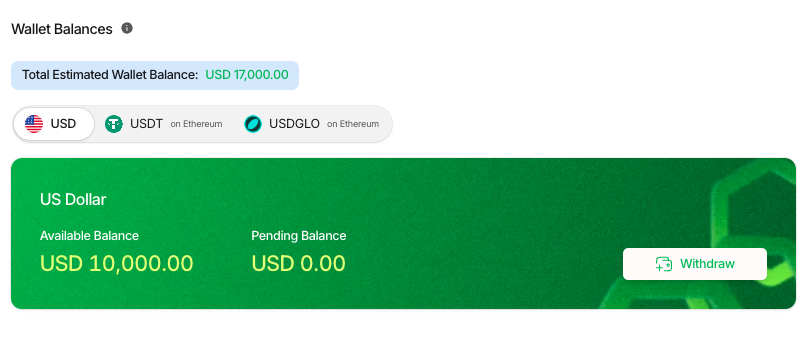
Go to My Wallet.
Click the Withdraw button next to your wallet balance.
Step 2: Enter Withdrawal Amount
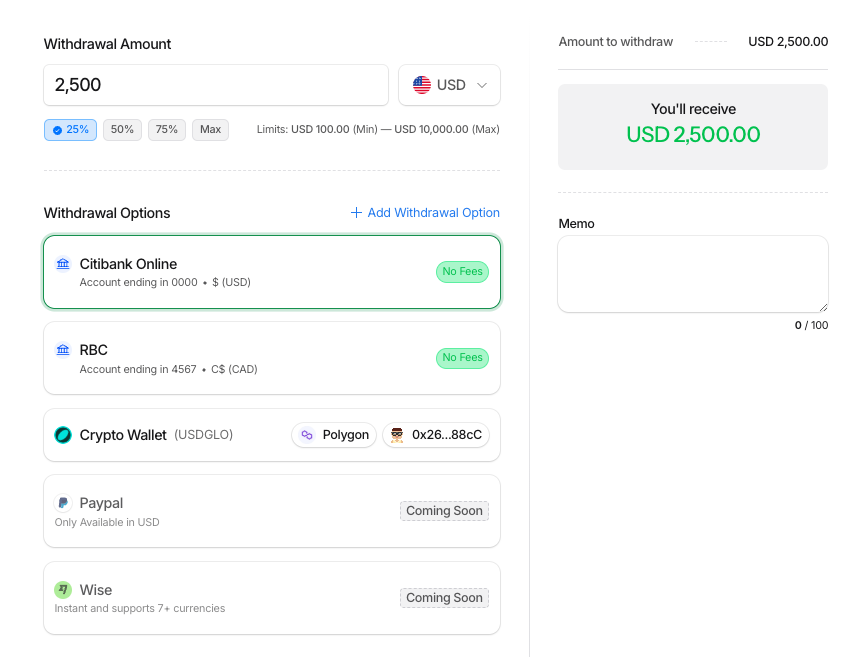
Type in the amount you would like to withdraw.
Or, choose a preset option: 25%, 50%, 75%, or Max.
Minimum withdrawal: USD 100
Maximum per transaction: USD 10,000
Step 3: Select a Withdrawal Method
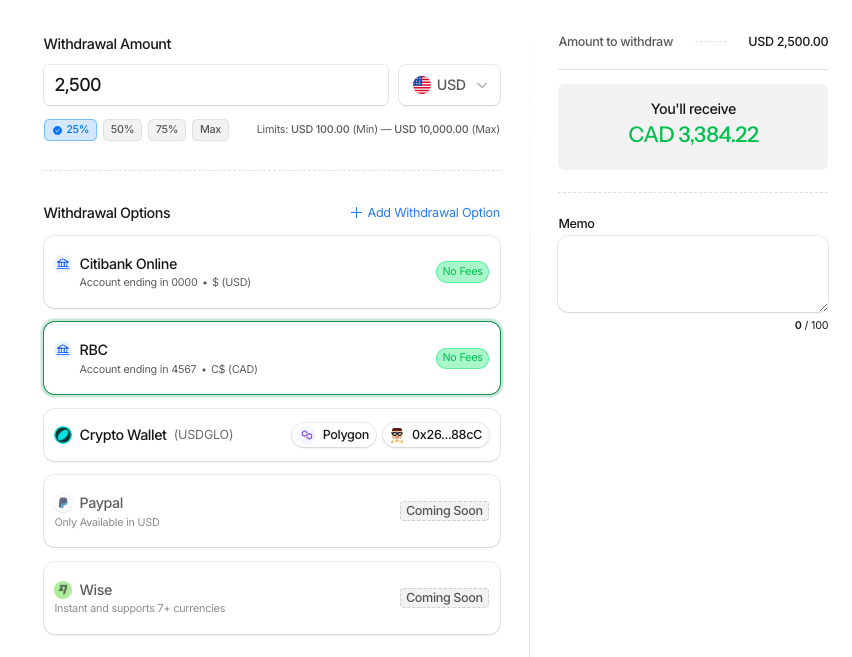
You can choose from the payout methods you have already added to your account (bank accounts, digital wallets, etc.).
USD to U.S. Bank Account → Free (no fees).
USD to Local Bank Account (outside the U.S.) → Free (no fees).
USD to Digital Wallets (PayPal, Wise, Revolut, etc.) → $10 fee per withdrawal.
Step 4: Confirm and Submit
Review your details and confirm the withdrawal. Funds will be sent to your chosen method.
Withdrawing in Other Currencies
If you hold balances in multiple currencies, you can withdraw them by repeating the same steps.
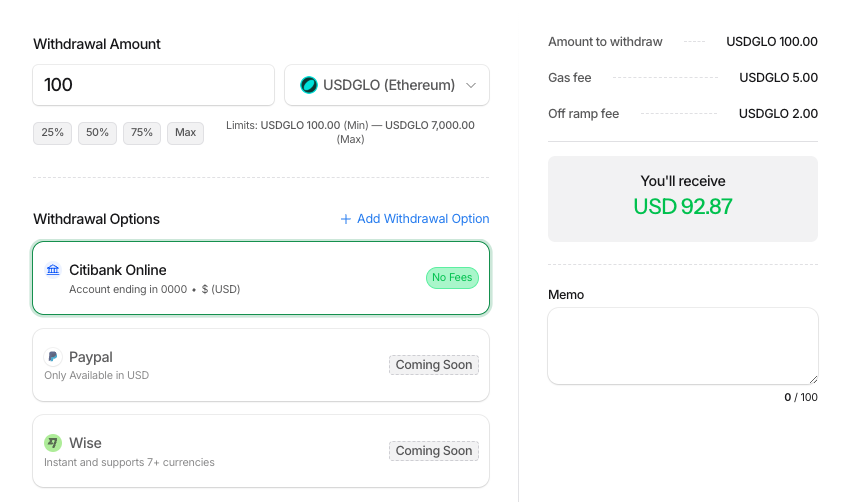
Keep in mind: When converting between currencies (e.g., digital currency → USD or vice versa), conversion fees apply.