Creating your Niural Account as an Employee
Last updated: March 15, 2026
Prior to setting up your Niural profile, employers need to add you to their organization on the Niural platform. Once your employer has added you to Niural, you'll receive an activation email prompting you to create a profile.
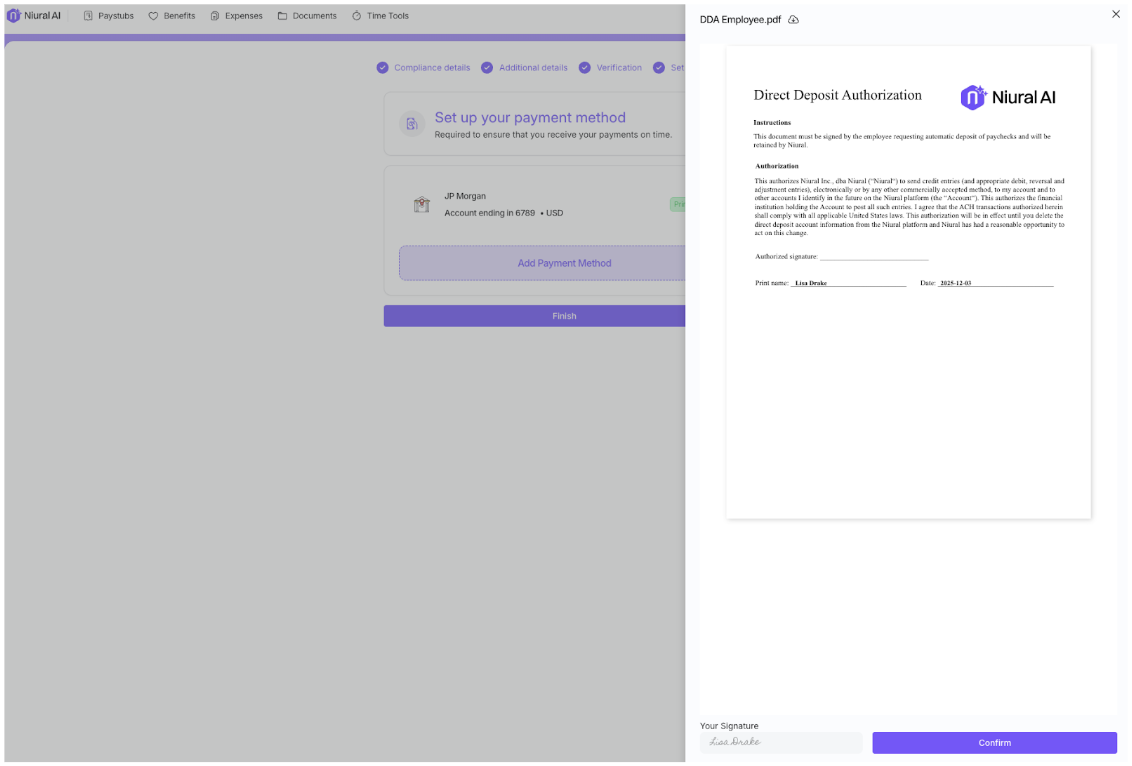
Additionally, you will be requested to electronically sign several forms through Niural, such as Form W-4, direct deposit authorization, and Form I-9.
Getting Started
Access your Niural account by clicking on the “Activate Account” link provided in your welcome email.
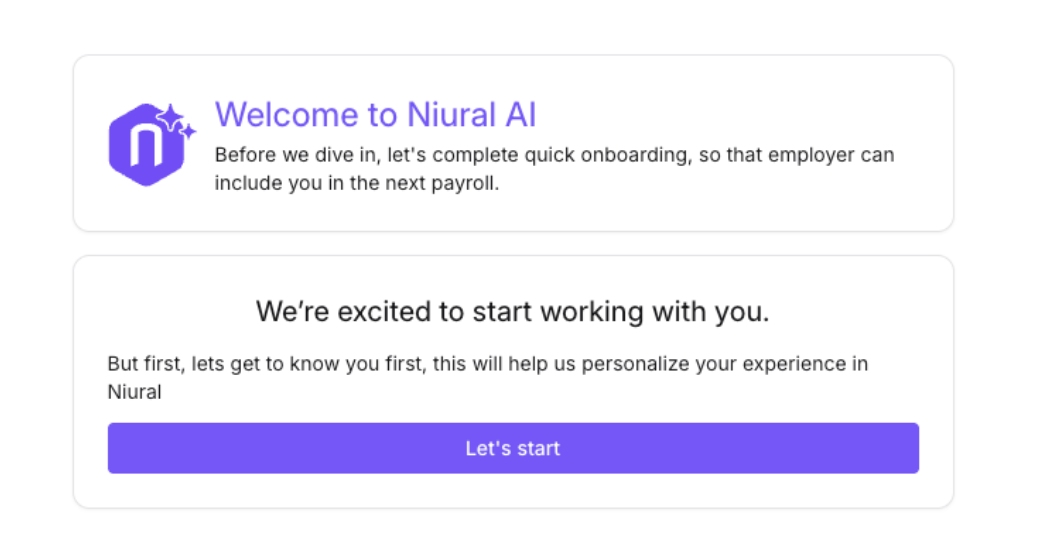
2. Create a password and click Let’s start
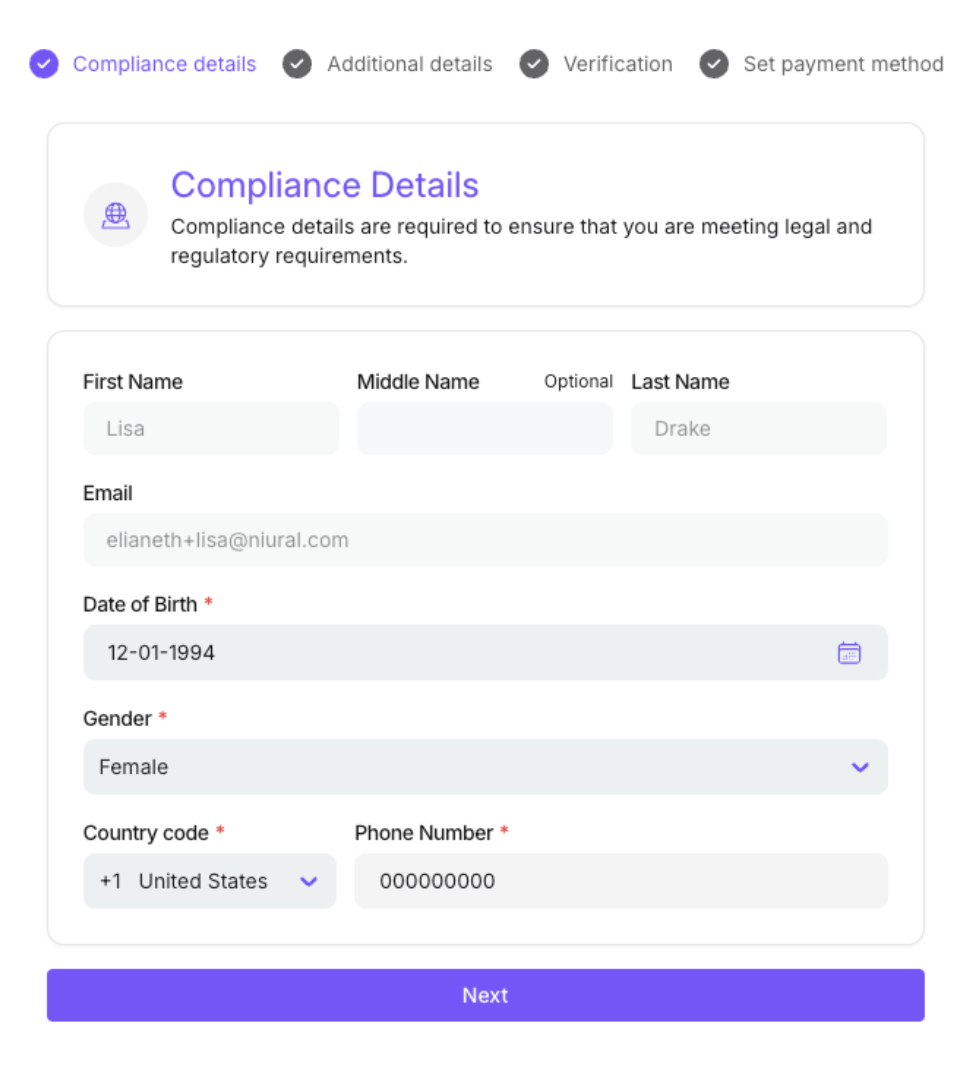
3. Provide date of birth, gender and phone number
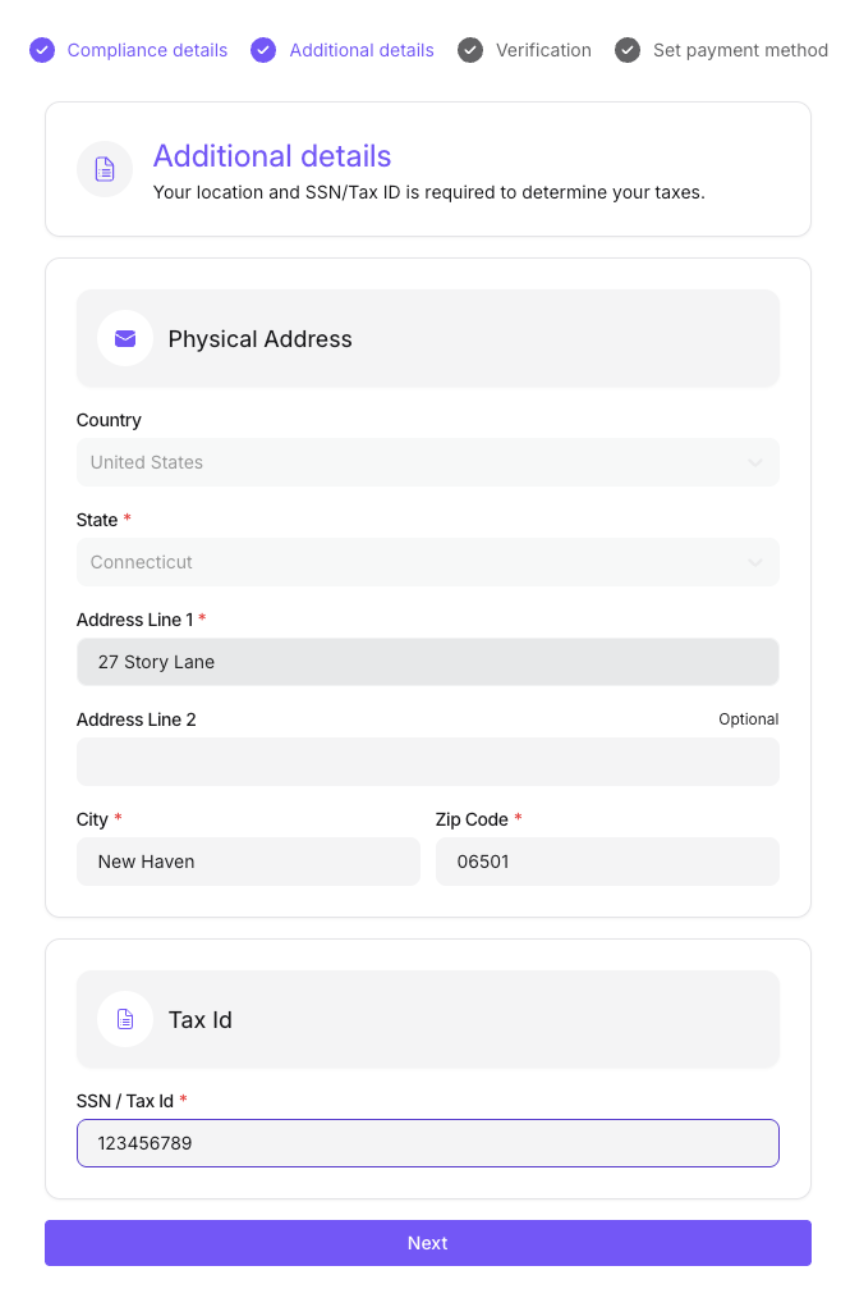
4. Provide address and Tax ID details
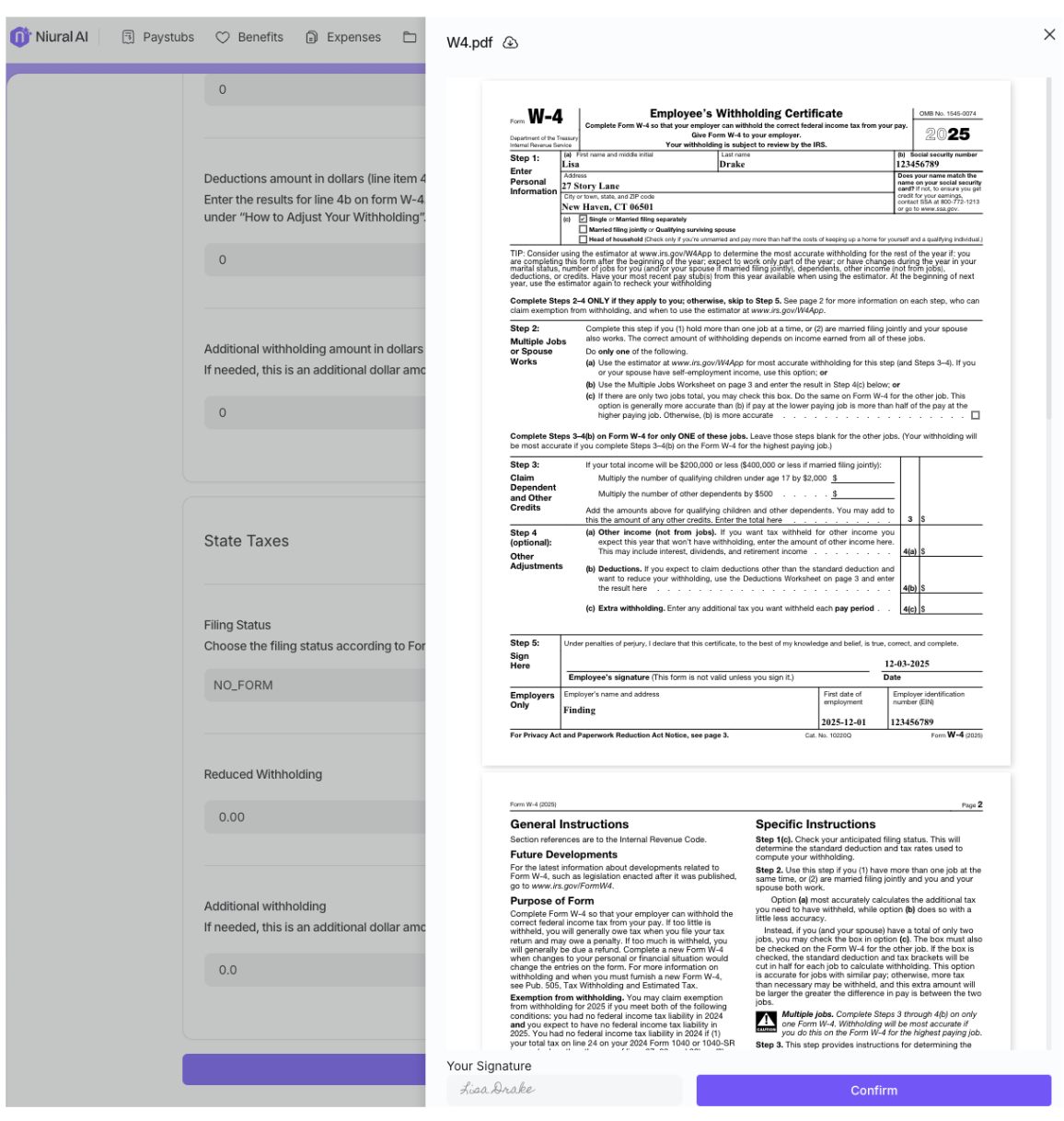
Enter your federal and state filing statuses.
You can utilize the IRS worksheet, withholding estimator, and FAQs as useful references while calculating your federal tax withholding.
Sign your W4 form
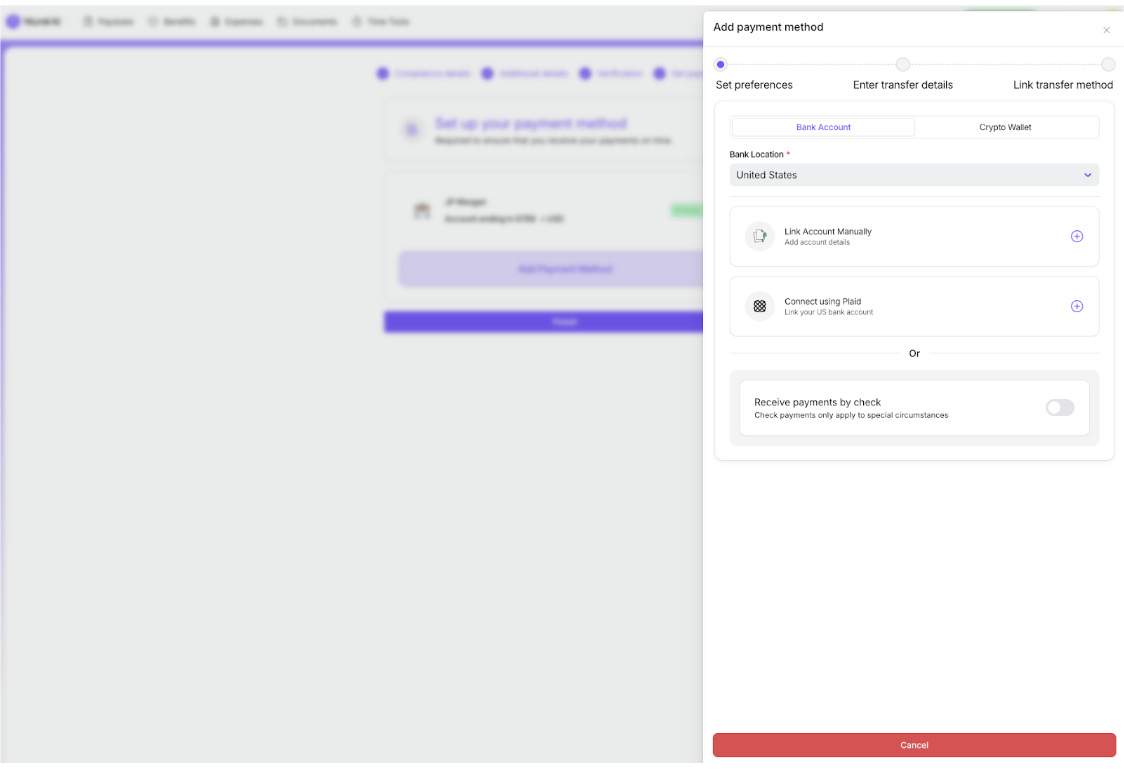
Add a payment method by providing your bank details
Sign your direct deposit form to confirm
You can link an account manually or connect using Plaid
This will be the primary account where your paycheck will be deposited